iphone ps5 controller
The iPhone PS5 controller refers to the compatibility and use of PlayStation 5 controllers with iPhone devices, allowing gamers to enjoy console-quality gaming experiences on their mobile devices.
Featured brands
Authenticated productsVerified shops


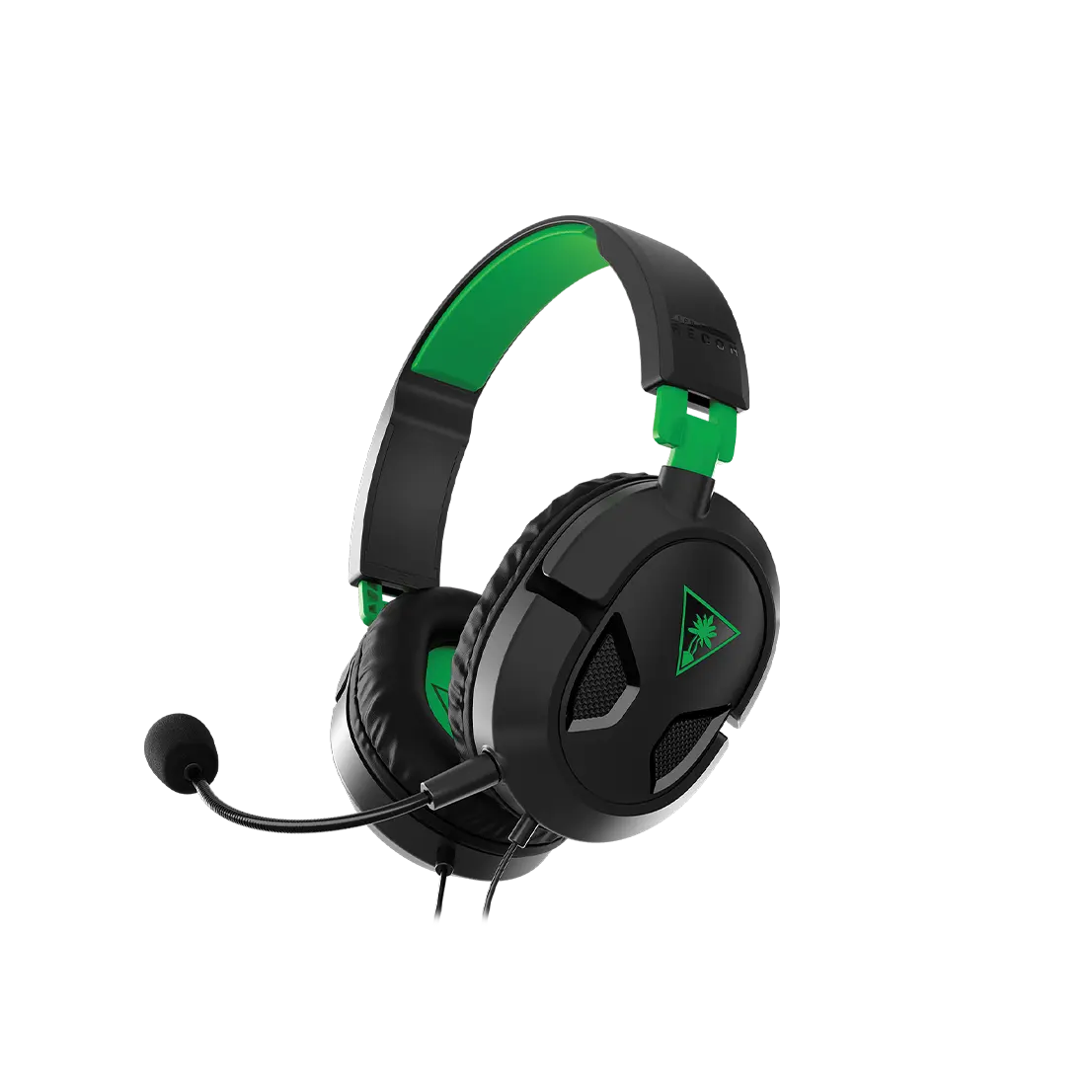
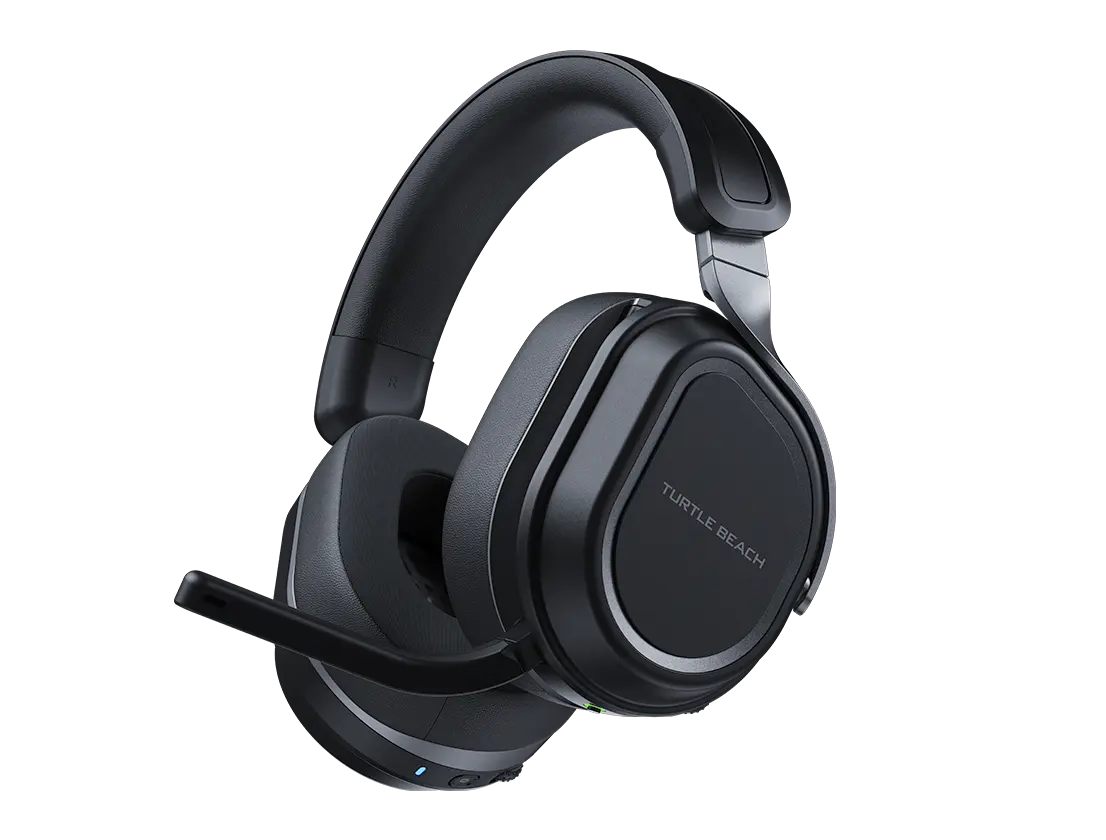
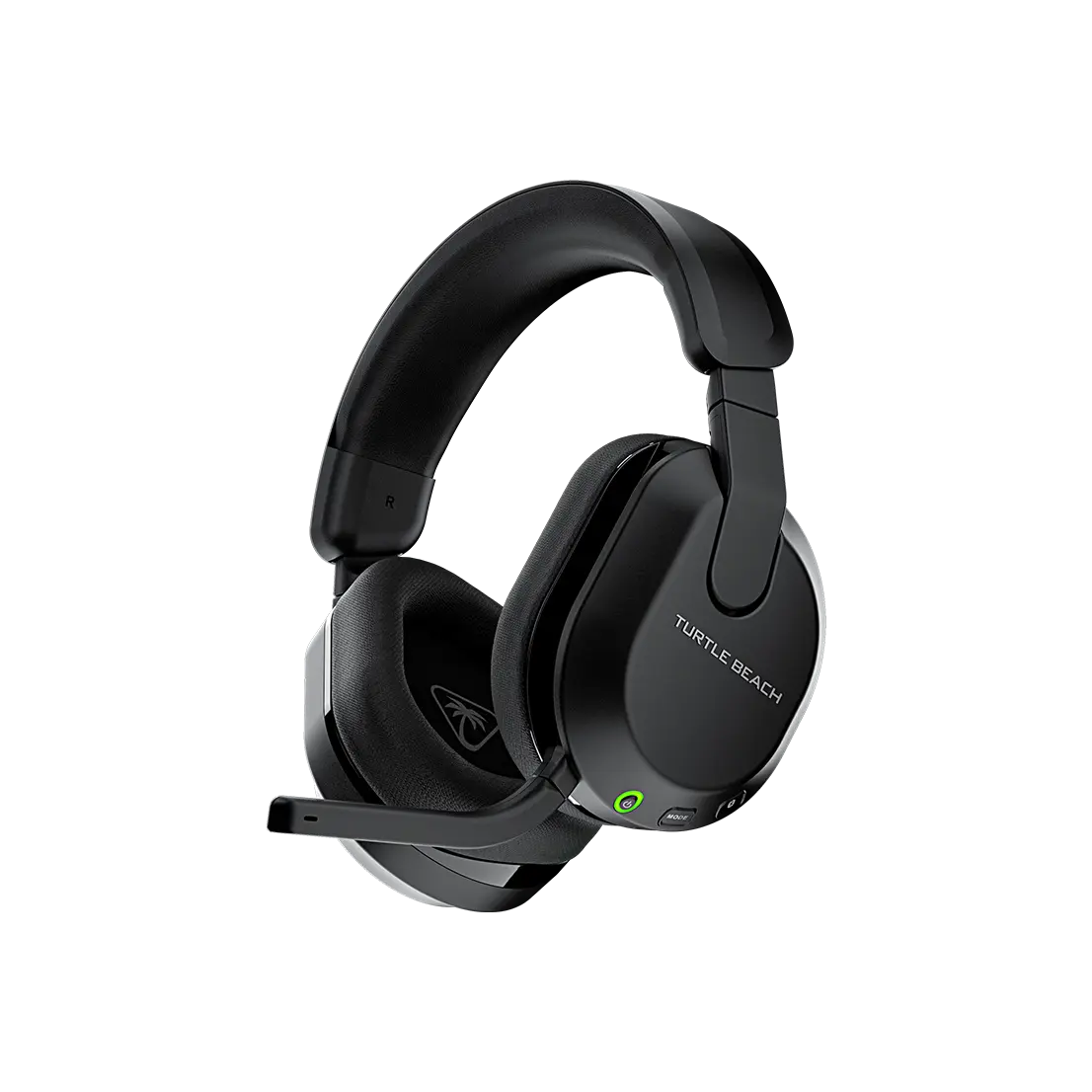
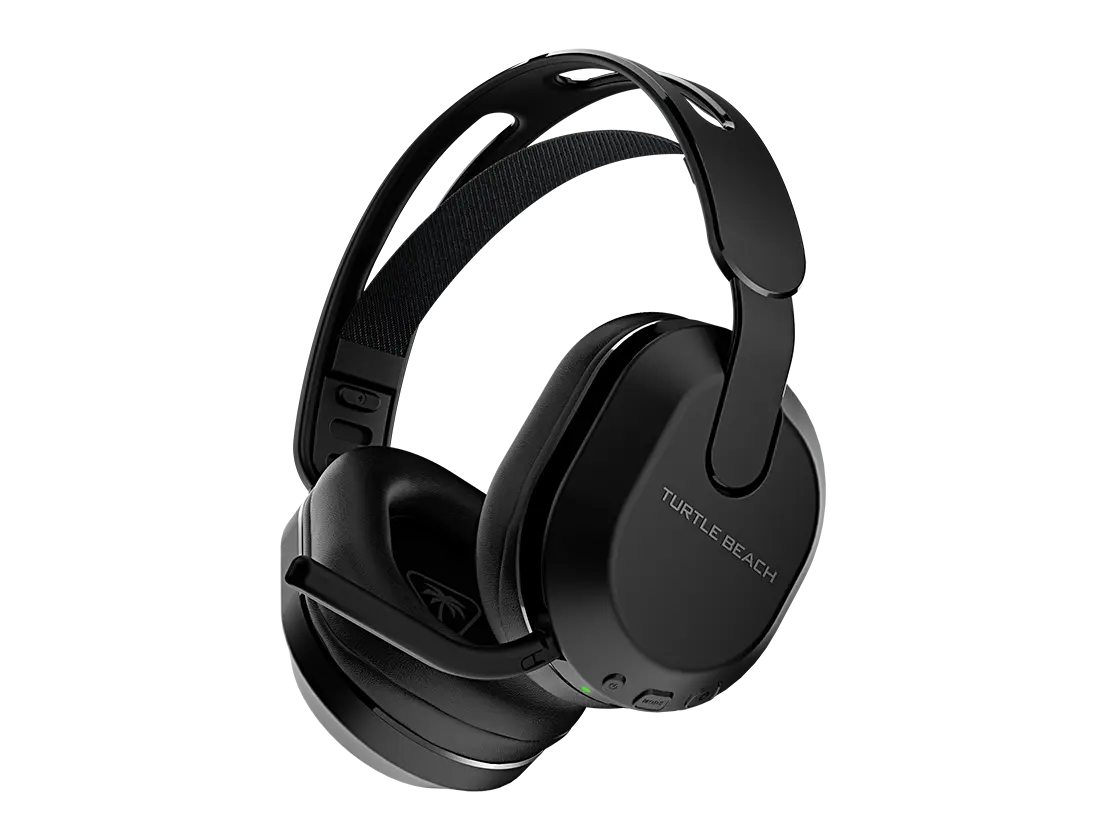


Newegg, Inc.

4.9
181 sold

$90.49


Newegg, Inc.
4.8
374 sold
$79.49

Newegg, Inc.
4.8
626 sold
$84.99


Newegg, Inc.
4.7
766 sold
$84.99


Newegg, Inc.

4.9
1.1K sold
$84.99

Newegg, Inc.
5.0
140 sold
$92.49


Newegg, Inc.
4.9
204 sold
$80.99


Newegg, Inc.
4.8
8.2K sold
$79.49


Newegg, Inc.
4.9
3.9K sold
$79.49


Related Searches
Related Categories
Introduction
The iPhone PS5 controller integration is transforming the way mobile gamers interact with their favorite titles. With the rise of mobile gaming, many players are seeking ways to enhance their experience, and using a PS5 controller with an iPhone can provide that edge. This combination allows for precision control and a more immersive gaming experience, making it a popular choice among gamers.
Here’s what you need to know about using an iPhone with a PS5 controller:
By integrating the iPhone with a PS5 controller, users can enjoy a seamless gaming experience that combines the best of both worlds. Whether you're playing casual games or competitive titles, this setup is proving to be a game-changer. Regular updates to both iOS and game titles ensure that players continue to receive new features and improvements, solidifying the iPhone PS5 controller pairing as a trusted choice for mobile gamers.
Here’s what you need to know about using an iPhone with a PS5 controller:
- Compatibility: Most modern iPhones support Bluetooth connections, making it easy to pair with a PS5 controller.
- Enhanced Gameplay: Using a controller can significantly improve your gameplay, especially for action and shooting games that require quick reflexes.
- Ergonomics: The PS5 controller is designed for comfort, allowing for extended gaming sessions without discomfort.
- Customization: Many games allow for customizable controls, making it easier to tailor your gaming experience.
- Wide Game Selection: A variety of games on the App Store are compatible with controllers, expanding your gaming options.
By integrating the iPhone with a PS5 controller, users can enjoy a seamless gaming experience that combines the best of both worlds. Whether you're playing casual games or competitive titles, this setup is proving to be a game-changer. Regular updates to both iOS and game titles ensure that players continue to receive new features and improvements, solidifying the iPhone PS5 controller pairing as a trusted choice for mobile gamers.