iphone kids
iPhone kids refers to the use of iPhones by children for educational and entertainment purposes, often involving apps designed for early learning.
Featured brands
Authenticated productsVerified shops


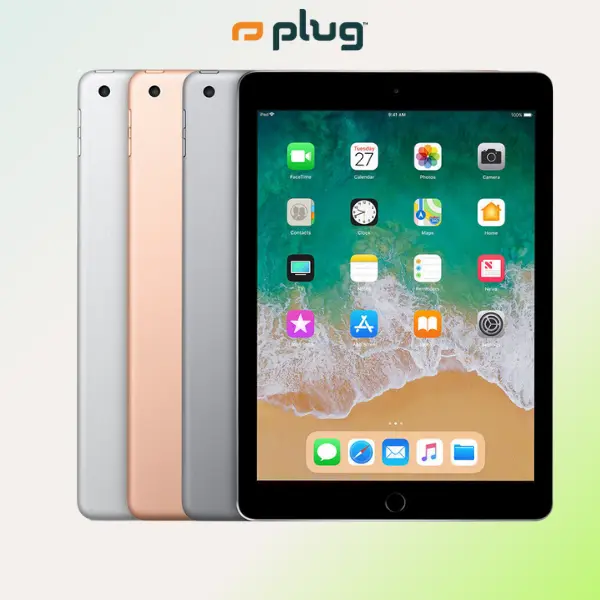

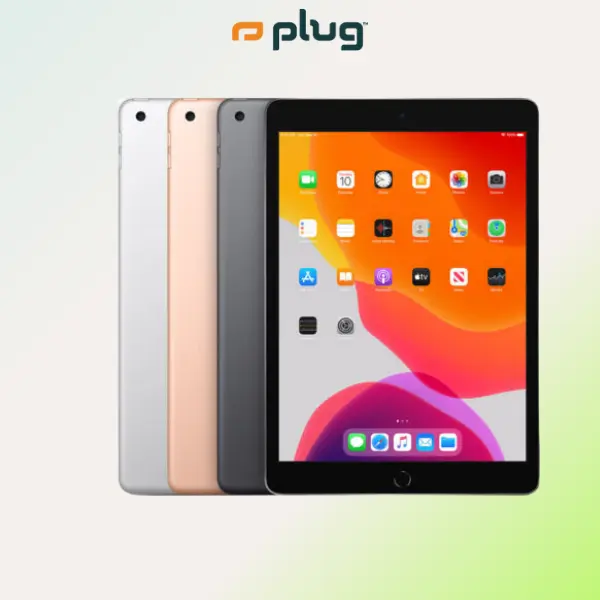
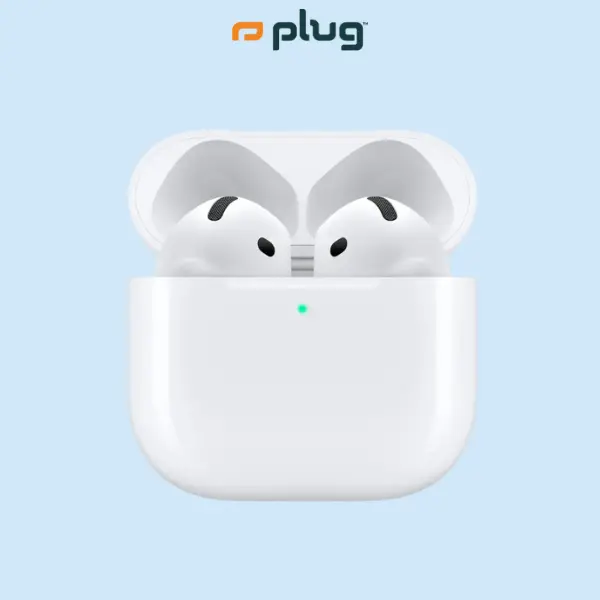


plug - shop tech

4.8
31 sold
-36%$384.99$599.99


plug - shop tech
4.6
1.1K sold
-30%$309.99$439.99

plug - shop tech
4.5
134 sold
-23%$634.99$829.99


plug - shop tech
4.6
79 sold
-35%$469.99$719.99

plug - shop tech
4.5
414 sold
-13%$139.99$159.99


plug - shop tech
4.9
301 sold
-41%$319.99$539.99


plug - shop tech
5.0
20 sold
-33%$194.99$289.99

plug - shop tech
5.0
22 sold
-22%$469.99$599.99

plug - shop tech
5.0
14 sold
-33%$404.99$599.99

plug - shop tech
4.2
33 sold
-39%$249.99$409.99


plug - shop tech
4.8
624 sold
-37%$339.99$539.99


plug - shop tech
5.0
93 sold
-27%$609.99$829.99

Related Searches
Related Categories
Introduction
In today's digital age, the term 'iPhone kids' has become increasingly common as more children engage with technology from a young age. iPhones provide a wealth of educational opportunities through apps that promote early learning. These apps are designed to cater to various developmental stages, making learning fun and interactive for kids. Parents often seek out these resources to enhance their children's knowledge and skills in a playful way.
Here are some benefits of using iPhones for early learning:
Here are some benefits of using iPhones for early learning:
- Interactive Learning: Many apps offer interactive features that keep children engaged and motivated.
- Variety of Content: From math games to reading apps, there is a wide range of educational content available.
- Accessibility: iPhones are portable, allowing children to learn on-the-go.
- Parental Controls: Parents can monitor and control app usage to ensure a safe learning environment.
- Skill Development: These apps can help in developing critical thinking, problem-solving, and creativity.