Results for "iphone 13 boot loop fix"
The iPhone 13 boot loop fix refers to methods and solutions to resolve the issue where the iPhone 13 repeatedly restarts and fails to complete the booting process. This problem can arise due to software glitches, hardware issues, or failed updates.

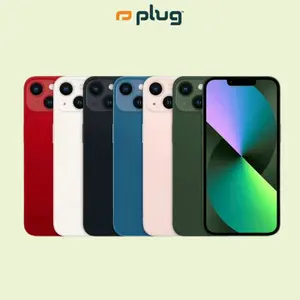
plug - shop tech

4.7
718 sold
-34%$301.19$458.34
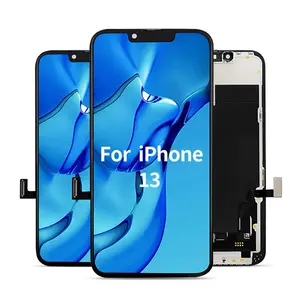


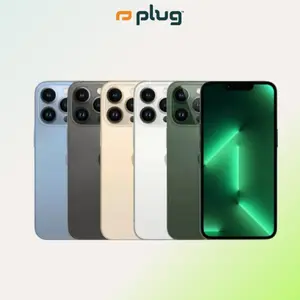
plug - shop tech

4.6
320 sold
-28%$408.72$571.34
plug - shop tech
4.5
481 sold
-38%$297.15$476.35

plug - shop tech
4.5
1.0K sold
-33%$336.39$501.73


plug - shop tech
4.8
23 sold
-37%$362.58$571.34


plug - shop tech
4.7
12 sold
-33%$382.35$571.34


5.0
1 sold
-12%$13.49$15.33
![Lightning Bolt Design Gloss MagSafe Compatible Shockproof Protective Cover with Precision Magnet Ring for [iPhone 13] 952](https://p19-oec-general-useast5.ttcdn-us.com/tos-useast5-i-omjb5zjo8w-tx/5c22f99f0138470fad00d50778049c22~tplv-fhlh96nyum-crop-webp:300:300.webp?dr=12190&t=555f072d&ps=933b5bde&shp=8dbd94bf&shcp=a6e80448&idc=useast5&from=2378011839 "Lightning Bolt Design Gloss MagSafe Compatible Shockproof Protective Cover with Precision Magnet Ring for [iPhone 13] 952")


Related Searches
Introduction
If you're facing the frustrating iPhone 13 boot loop issue, you're not alone. Many users encounter this problem, where their device gets stuck in a cycle of restarting without successfully booting up. Understanding how to fix this boot loop is essential for restoring your device's functionality. The iPhone 13 boot loop can be caused by several factors, including software updates, corrupted files, or even hardware malfunctions. Here are some effective methods to resolve the boot loop issue:
- Force Restart: A simple yet effective solution is to force restart your iPhone 13. Quickly press and release the Volume Up button, then the Volume Down button, and finally, press and hold the Side button until you see the Apple logo.
- Update iOS: Ensure your device is running the latest version of iOS. Sometimes, updating can fix underlying software issues that may cause boot loops.
- Restore via iTunes: If the issue persists, consider restoring your iPhone using iTunes. Connect your device to a computer, open iTunes, and select 'Restore' to reset your phone to factory settings.
- Use Recovery Mode: Entering recovery mode can help fix deeper software issues. Connect your iPhone to a computer, then force restart it while holding the appropriate buttons until you see the recovery mode screen.
- Seek Professional Help: If none of the above solutions work, it may be time to consult with a professional technician or visit an Apple Store for further assistance.