iphone 11 game controller
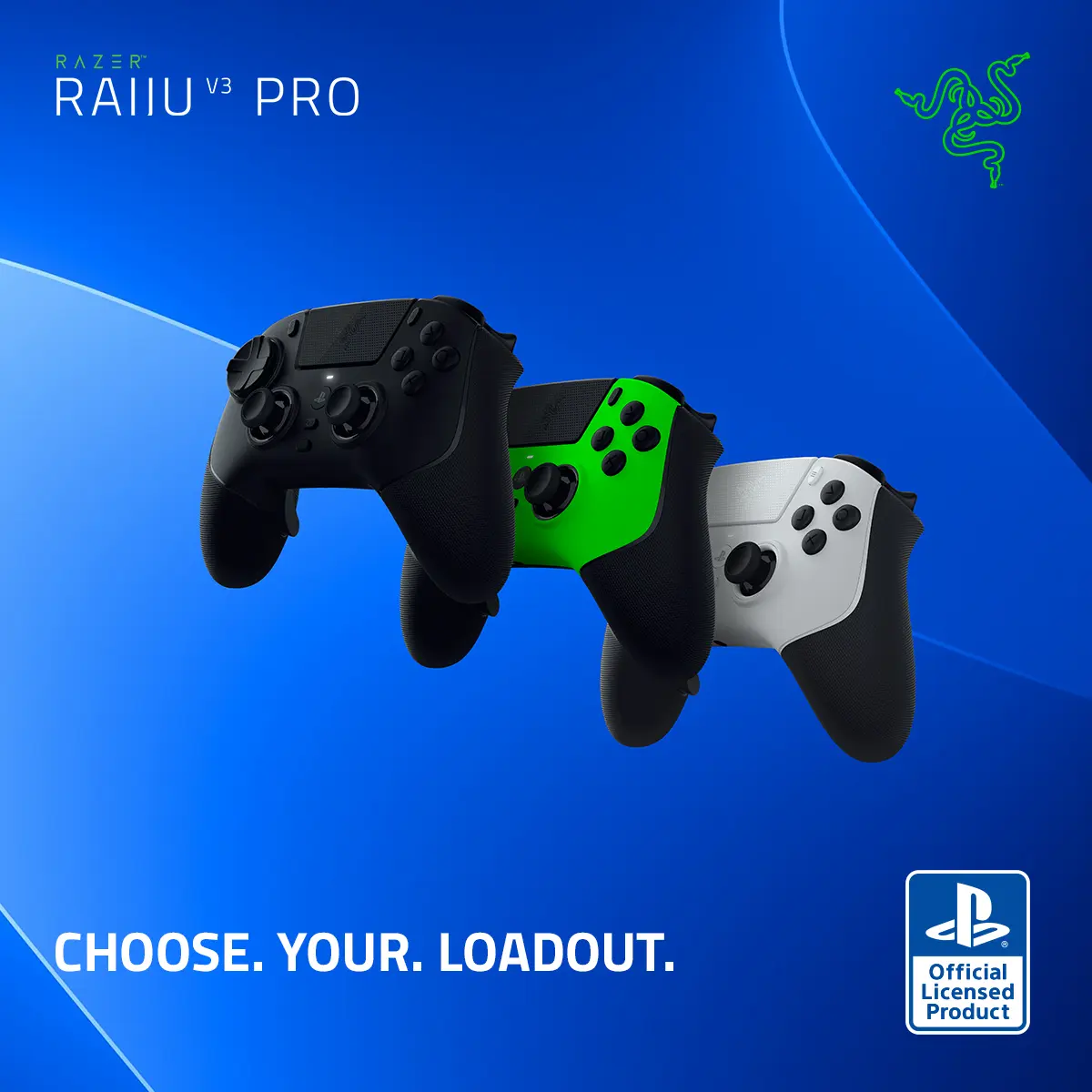
The iPhone 11 game controller is a device designed to enhance the gaming experience on the iPhone 11, providing users with improved control and precision during gameplay.
Featured brands
Authenticated productsVerified shops






Related Searches
Related Categories
Introduction
The iPhone 11 game controller is an essential accessory for gamers looking to elevate their mobile gaming experience. With the rise of mobile gaming, having a reliable and responsive game controller can make all the difference. The iPhone 11 game controller allows for more precise movements, better grip, and overall improved gameplay.
Here are some key benefits of using an iPhone 11 game controller:
Here are some key benefits of using an iPhone 11 game controller:
- Enhanced Control: Game controllers provide tactile feedback and responsive buttons that can significantly enhance gameplay.
- Comfortable Grip: Designed for extended gaming sessions, these controllers often come with ergonomic designs that fit comfortably in your hands.
- Compatibility: Many game controllers are compatible with a wide range of games available on the App Store, ensuring you can enjoy your favorites.
- Wireless Connectivity: Most modern controllers connect via Bluetooth, allowing for a clutter-free gaming setup.
- Customizable Features: Some controllers offer programmable buttons, giving you the ability to tailor your gaming experience.