Results for "install ddr4 ram"
Installing DDR4 RAM involves adding or replacing memory modules in a computer to enhance performance and speed.


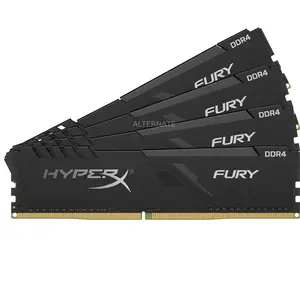
$80.99


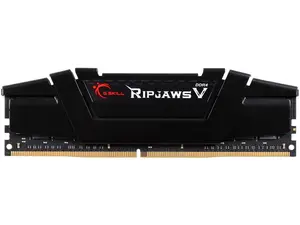
Newegg, Inc.

-7%$133.99$143.99


Newegg, Inc.
3.7
46 sold
-18%$133.99$163.99

Newegg, Inc.
5.0
126 sold
$236.99

Newegg, Inc.
5.0
21 sold
-8%$180.49$195.49

Newegg, Inc.
5.0
17 sold
-7%$267.99$287.99
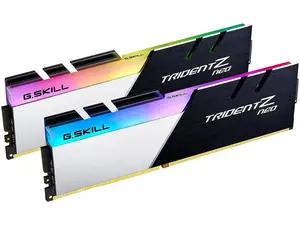


Newegg, Inc.
5.0
28 sold
-45%$687.99$1,249.99


Newegg, Inc.
5.0
27 sold
-11%$154.49$174.49
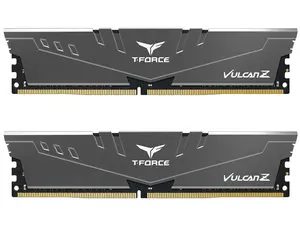
Newegg, Inc.
4.7
2.5K sold
$257.49


Related Searches
Related Categories
Introduction
Installing DDR4 RAM is a straightforward process that can significantly improve your computer's performance. DDR4 RAM is the latest generation of memory technology, offering faster speeds and better efficiency compared to its predecessors. Whether you're upgrading your existing RAM or building a new system, knowing how to install DDR4 RAM correctly is essential for optimal performance.
Here are some key points to consider when installing DDR4 RAM:
Here are some key points to consider when installing DDR4 RAM:
- Compatibility: Ensure that your motherboard supports DDR4 RAM. Check the specifications of your motherboard to confirm compatibility.
- Choosing the Right RAM: Look for RAM with the appropriate speed (measured in MHz) and capacity that meets your needs. Popular options include 8GB, 16GB, and 32GB modules.
- Installation Steps: Begin by turning off your computer and unplugging it. Open the case and locate the RAM slots on the motherboard. Align the notch on the RAM module with the slot, then firmly press down until it clicks into place. Make sure to install RAM in pairs for dual-channel configuration if applicable.
- Testing: After installation, power on your computer and check the BIOS or system settings to ensure the RAM is recognized and functioning properly.