how to use obd2 scanner bluetooth
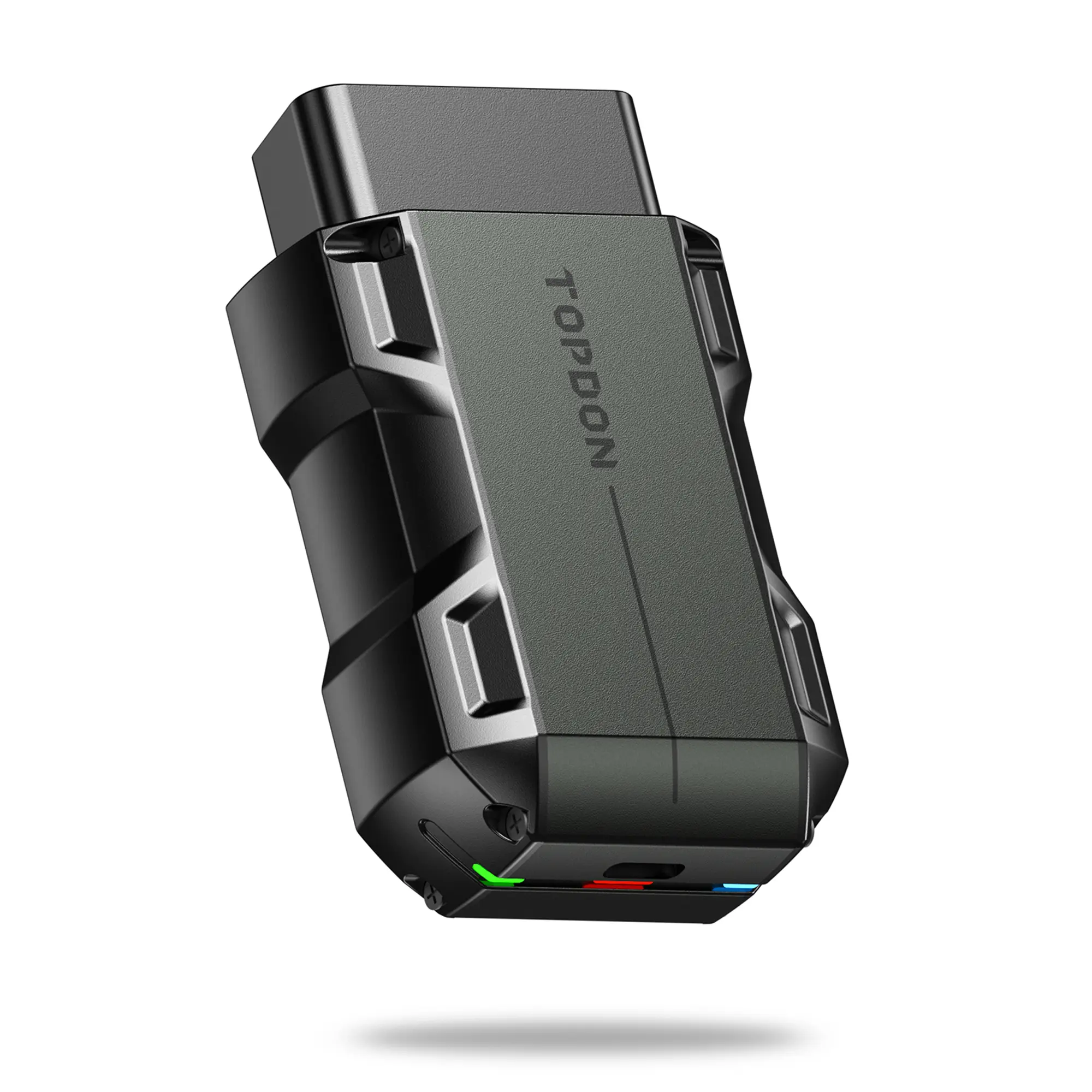
An OBD2 scanner Bluetooth is a device that connects to a vehicle's onboard diagnostic system via Bluetooth, allowing users to read and diagnose vehicle issues using a smartphone or tablet.
Featured brands
Authenticated productsVerified shops





4.6
402 sold
-30%$34.99$49.99


Topdonshop

4.5
282 sold
-39%$49.00$79.99


Topdonshop
3.5
28 sold
-49%$53.29$103.99


Related Searches
Related Categories
Introduction
Using an OBD2 scanner Bluetooth can significantly enhance your ability to diagnose vehicle problems quickly and efficiently. This handy tool connects wirelessly to your vehicle's OBD2 port, providing you with real-time data and diagnostic trouble codes (DTCs) directly on your mobile device.
Here’s how to effectively use an OBD2 scanner Bluetooth:
1. **Purchase a Compatible Scanner**: Ensure that the scanner you choose is compatible with your vehicle's make and model. Many popular brands are widely available.
2. **Download the App**: Most Bluetooth OBD2 scanners require a specific app to function. Download the recommended app from your device's app store.
3. **Connect to Your Vehicle**: Locate the OBD2 port in your vehicle, usually found under the dashboard. Plug in the Bluetooth scanner and turn on your vehicle's ignition without starting the engine.
4. **Pair the Device**: Enable Bluetooth on your smartphone or tablet and pair it with the scanner. Follow the app instructions to establish the connection.
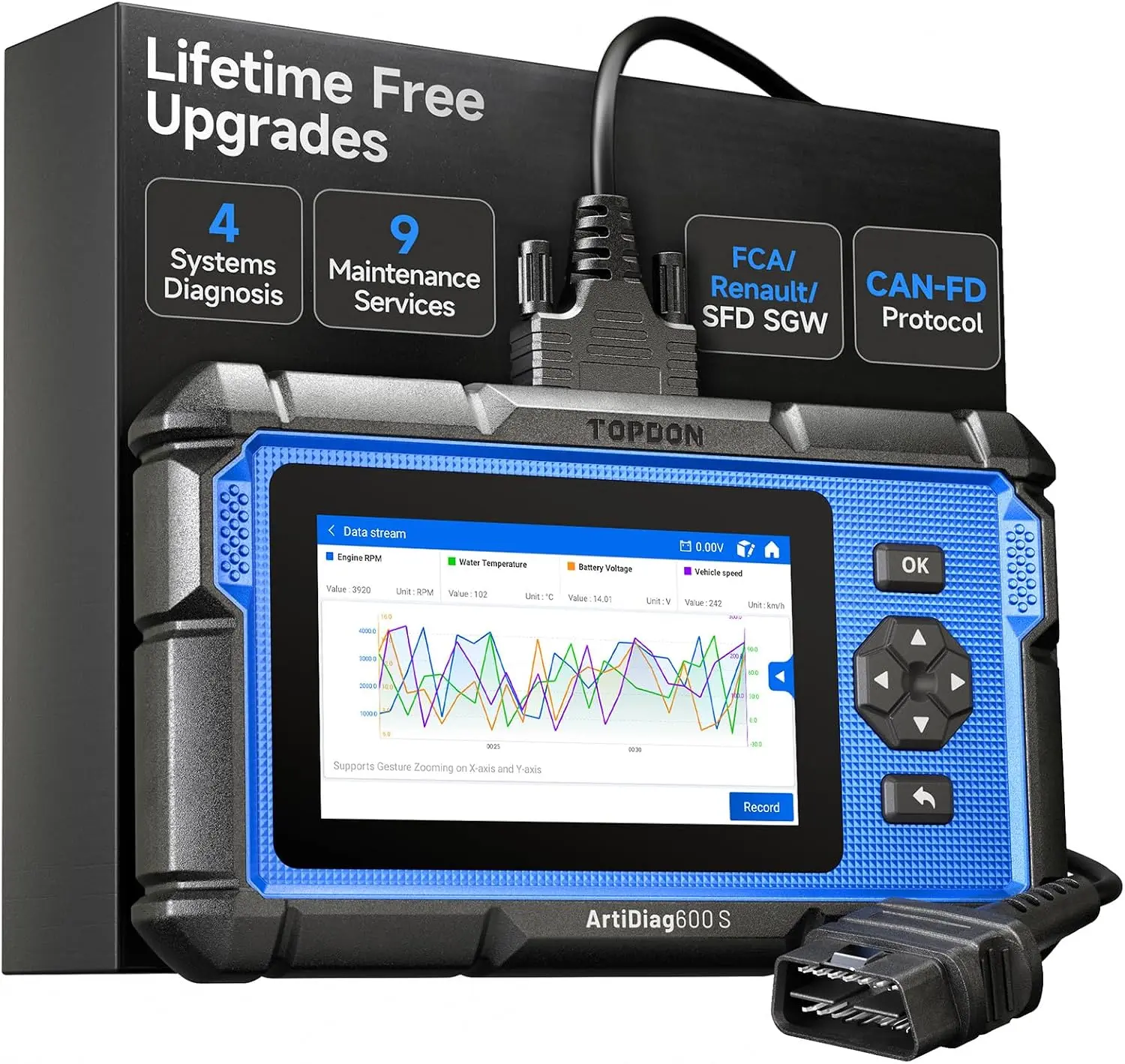
5. **Read Codes and Data**: Once connected, use the app to read diagnostic trouble codes and monitor various vehicle parameters such as engine temperature, RPM, and fuel efficiency.
6. **Interpret the Results**: The app will provide definitions for any trouble codes, allowing you to understand potential issues with your vehicle.
7. **Clear Codes**: If issues are resolved, you can use the app to clear the trouble codes from your vehicle's system.
Regularly using an OBD2 scanner Bluetooth can help you maintain your vehicle's health and avoid costly repairs. With proven quality and customer-approved features, these scanners are trusted by thousands of DIY mechanics and car enthusiasts alike.
Here’s how to effectively use an OBD2 scanner Bluetooth:
1. **Purchase a Compatible Scanner**: Ensure that the scanner you choose is compatible with your vehicle's make and model. Many popular brands are widely available.
2. **Download the App**: Most Bluetooth OBD2 scanners require a specific app to function. Download the recommended app from your device's app store.
3. **Connect to Your Vehicle**: Locate the OBD2 port in your vehicle, usually found under the dashboard. Plug in the Bluetooth scanner and turn on your vehicle's ignition without starting the engine.
4. **Pair the Device**: Enable Bluetooth on your smartphone or tablet and pair it with the scanner. Follow the app instructions to establish the connection.
5. **Read Codes and Data**: Once connected, use the app to read diagnostic trouble codes and monitor various vehicle parameters such as engine temperature, RPM, and fuel efficiency.
6. **Interpret the Results**: The app will provide definitions for any trouble codes, allowing you to understand potential issues with your vehicle.
7. **Clear Codes**: If issues are resolved, you can use the app to clear the trouble codes from your vehicle's system.
Regularly using an OBD2 scanner Bluetooth can help you maintain your vehicle's health and avoid costly repairs. With proven quality and customer-approved features, these scanners are trusted by thousands of DIY mechanics and car enthusiasts alike.