how to install screen protector without bubbles
Installing a screen protector without bubbles requires careful preparation and technique to ensure a smooth application.
Featured brands
Authenticated productsVerified shops


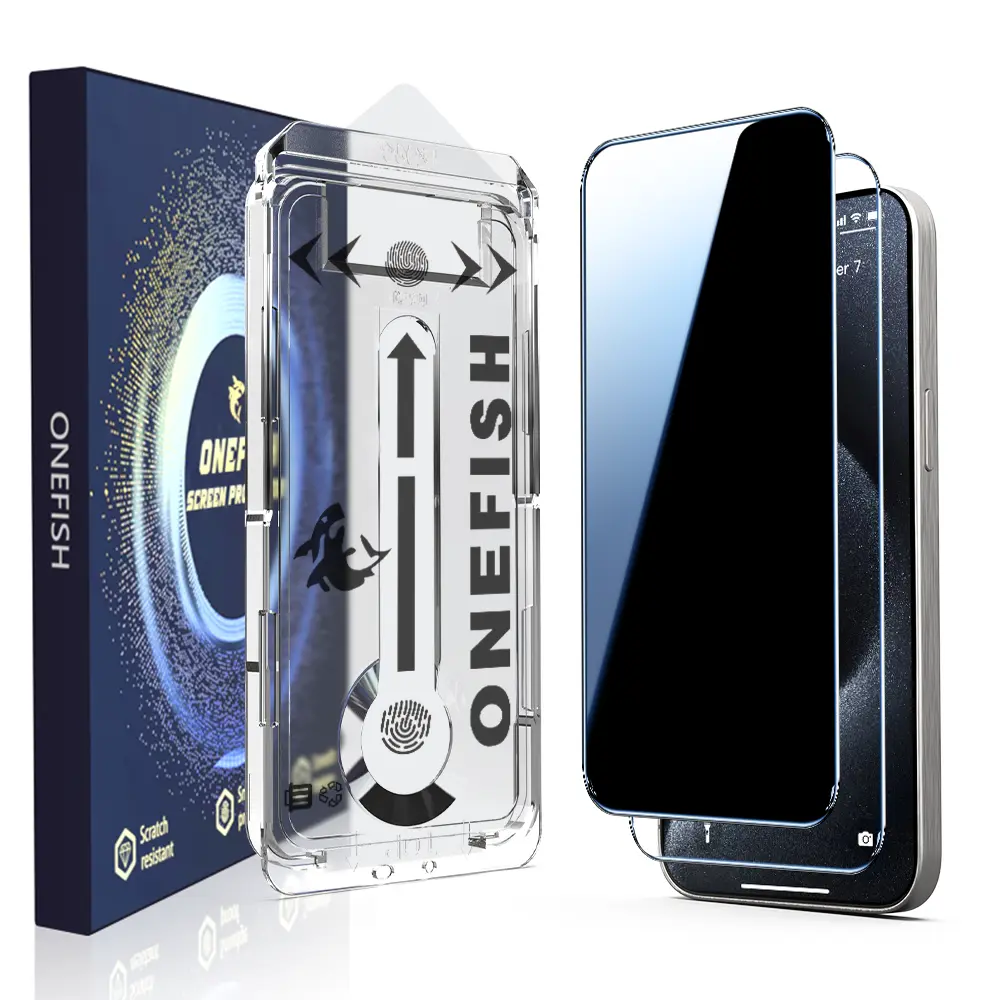
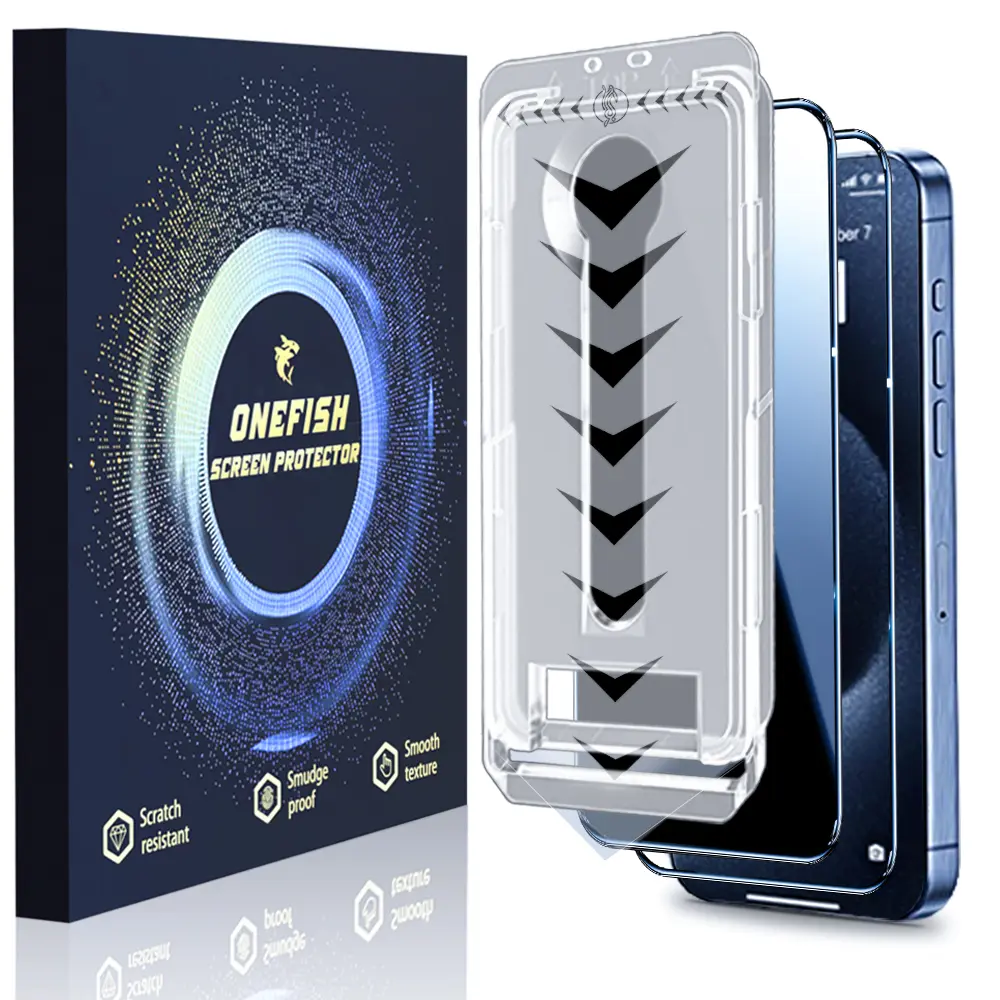
![[2PCS] One Fish Luxury Privacy Screen Protector for iPhone,Samsung -Crystal Clear, Fingerprint Proof, Scratch Resistant, Plasma Plating Process](https://p19-oec-general-useast5.ttcdn-us.com/tos-useast5-i-omjb5zjo8w-tx/9e36c1c8c69b45ffa3a8b3091f15d6a7~tplv-fhlh96nyum-crop-webp:1500:1500.webp?dr=12190&t=555f072d&ps=933b5bde&shp=8dbd94bf&shcp=a6e80448&idc=useast5&from=2378011839)
![One Fish[2PCS] 360° Privacy [4 sides Privacy] Screen Protector [UP, DOWN, LEFT, RIGHT] Anti-Spy, Tempered Glass, Full Protection.](https://p16-oec-general-useast5.ttcdn-us.com/tos-useast5-i-omjb5zjo8w-tx/8ee889704e574221bf1a166e275ade40~tplv-fhlh96nyum-crop-webp:1500:1500.webp?dr=12190&t=555f072d&ps=933b5bde&shp=8dbd94bf&shcp=a6e80448&idc=useast5&from=2378011839)


![One Fish [2-Pack] Screen Protector for iPhone 17 Pro Max / 17 Pro, Samsung & Google | Privacy Protection, Polarized Eye Care, Scratch-Resistant, Easy Install](https://p16-oec-general-useast5.ttcdn-us.com/tos-useast5-i-omjb5zjo8w-tx/cb5c2803063c4db59aca6a69e10162e5~tplv-fhlh96nyum-resize-webp:600:600.webp?dr=12190&t=555f072d&ps=933b5bde&shp=8dbd94bf&shcp=a6e80448&idc=useast5&from=2378011839 "One Fish [2-Pack] Screen Protector for iPhone 17 Pro Max / 17 Pro, Samsung & Google | Privacy Protection, Polarized Eye Care, Scratch-Resistant, Easy Install")


![[2PCS] FUNCAT GLOBAL Screen Protector For iPhone 1716/15/14/13/12 Dust-free Applicator (Reusable Easy Installation) Headset Covered, Fully Protection, Fingerprint-proof, Electroplated Layer, Tempered glass](https://p16-oec-general-useast5.ttcdn-us.com/tos-useast5-i-omjb5zjo8w-tx/0c9f9a0c84414f49bebca6529a17de6b~tplv-fhlh96nyum-resize-webp:600:600.webp?dr=12190&t=555f072d&ps=933b5bde&shp=8dbd94bf&shcp=a6e80448&idc=useast5&from=2378011839 "[2PCS] FUNCAT GLOBAL Screen Protector For iPhone 1716/15/14/13/12 Dust-free Applicator (Reusable Easy Installation) Headset Covered, Fully Protection, Fingerprint-proof, Electroplated Layer, Tempered glass")


![2-piece privacy screen protector suitable for iPhone 16 15 14 13 12 11 Pro Max 6.7-inch [anti spy] tempered glass film, touch sensitive/scratch resistant/fingerprint resistant/easy to install without bubbles](https://p16-oec-general-useast5.ttcdn-us.com/tos-useast5-i-omjb5zjo8w-tx/f64215c2af0848f8a9497567a4cc0e2f~tplv-fhlh96nyum-resize-webp:600:600.webp?dr=12190&t=555f072d&ps=933b5bde&shp=8dbd94bf&shcp=a6e80448&idc=useast5&from=2378011839 "2-piece privacy screen protector suitable for iPhone 16 15 14 13 12 11 Pro Max 6.7-inch [anti spy] tempered glass film, touch sensitive/scratch resistant/fingerprint resistant/easy to install without bubbles")


Related Searches
Related Categories
Introduction
Installing a screen protector without bubbles can be a tricky task, but with the right approach, you can achieve a flawless finish. First, it's essential to clean your device's screen thoroughly. Use a microfiber cloth and a screen cleaner to remove any dust, fingerprints, or oils. A clean surface is crucial for bubble-free installation.
Next, choose a dust-free environment to apply your screen protector. Avoid windy areas or places with high traffic, as dust can settle on your screen and cause bubbles.
When you're ready to apply, align the screen protector carefully with your device's screen. Start from one edge and gradually lower the protector onto the screen. This technique helps to push out air and avoid trapping bubbles underneath.
If you do notice any bubbles forming, use a credit card or a similar object to gently push them towards the edges.
Here are some tips to keep in mind for a successful installation:
Next, choose a dust-free environment to apply your screen protector. Avoid windy areas or places with high traffic, as dust can settle on your screen and cause bubbles.
When you're ready to apply, align the screen protector carefully with your device's screen. Start from one edge and gradually lower the protector onto the screen. This technique helps to push out air and avoid trapping bubbles underneath.
If you do notice any bubbles forming, use a credit card or a similar object to gently push them towards the edges.
Here are some tips to keep in mind for a successful installation:
- Make sure your hands are clean and dry.
- Use a lint-free cloth for cleaning.
- Consider using a guide or alignment tool if available.
- Be patient and take your time during the application.