how to install a magic john screen protector
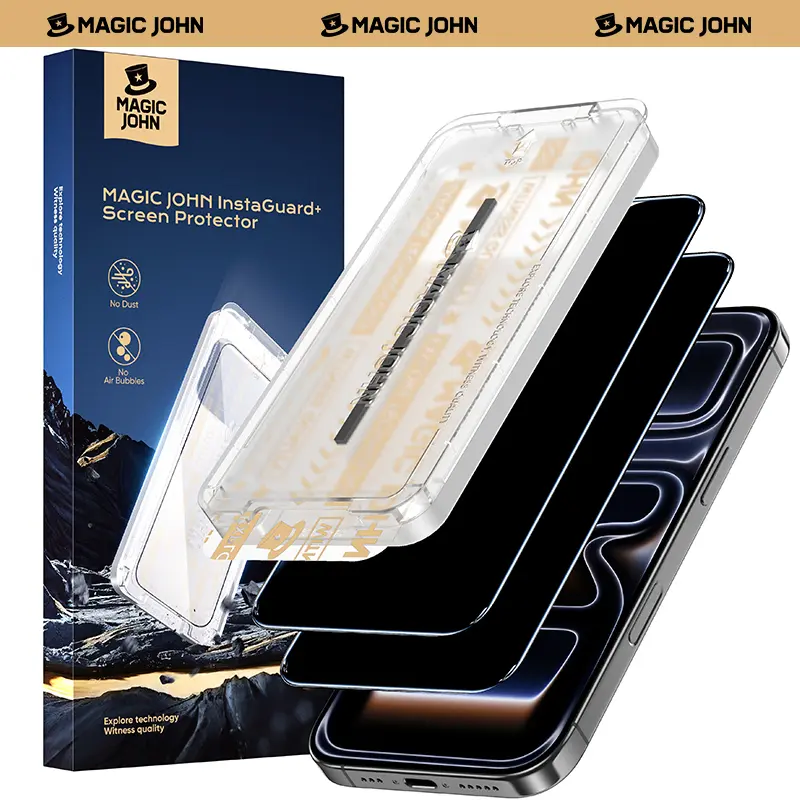
A Magic John screen protector is a specialized film designed to shield your device's screen from scratches, smudges, and other potential damage.
Featured brands
Authenticated productsVerified shops





![2-piece privacy screen protector suitable for iPhone 17 16 15 14 13 12 11 Pro Max 6.7-inch [anti spy] tempered glass film, touch sensitive/scratch resistant/fingerprint resistant/easy to install without bubbles.](https://p16-oec-general-useast5.ttcdn-us.com/tos-useast5-i-omjb5zjo8w-tx/9f91fe5b5cb94fa3a21e232e76eeeff3~tplv-fhlh96nyum-resize-webp:600:600.webp?dr=12190&t=555f072d&ps=933b5bde&shp=8dbd94bf&shcp=a6e80448&idc=useast5&from=2378011839 "2-piece privacy screen protector suitable for iPhone 17 16 15 14 13 12 11 Pro Max 6.7-inch [anti spy] tempered glass film, touch sensitive/scratch resistant/fingerprint resistant/easy to install without bubbles.")


MAGIC JOHN

4.3
35.2K sold
-50%$15.98$31.96


MAGIC JOHN
4.2
7.5K sold
-50%$15.98$31.96

![2-piece privacy screen protector suitable for iPhone 16 15 14 13 12 11 Pro Max 6.7-inch [anti spy] tempered glass film, touch sensitive/scratch resistant/fingerprint resistant/easy to install without bubbles](https://p16-oec-general-useast5.ttcdn-us.com/tos-useast5-i-omjb5zjo8w-tx/f64215c2af0848f8a9497567a4cc0e2f~tplv-fhlh96nyum-resize-webp:600:600.webp?dr=12190&t=555f072d&ps=933b5bde&shp=8dbd94bf&shcp=a6e80448&idc=useast5&from=2378011839 "2-piece privacy screen protector suitable for iPhone 16 15 14 13 12 11 Pro Max 6.7-inch [anti spy] tempered glass film, touch sensitive/scratch resistant/fingerprint resistant/easy to install without bubbles")
Related Searches
Introduction
Installing a Magic John screen protector is a straightforward process that can help keep your device looking new. With its high-quality materials, the Magic John screen protector offers excellent clarity and touch sensitivity, ensuring that your user experience remains unaffected while providing maximum protection. Here’s how to install it effectively:
- Clean Your Screen: Start by cleaning your device’s screen thoroughly. Use a microfiber cloth and a screen-safe cleaner to remove dust, fingerprints, and smudges.
- Align the Protector: Before peeling off the backing, hold the Magic John screen protector over your device to align it properly. Make sure to align it with the edges and any cutouts for cameras or sensors.
- Peel and Apply: Carefully peel off the backing of the screen protector. Slowly apply it to the screen, starting from one edge and gradually working your way across to avoid air bubbles.
- Smooth Out Bubbles: If any air bubbles form, use a credit card or the edge of your hand to push them towards the edges of the screen protector.
- Final Touch: Once installed, give it a final wipe with a clean microfiber cloth to remove any dust or fingerprints.