Results for "How to connect soundbar to pc"
Connecting a soundbar to a PC involves using various methods such as HDMI, optical, or Bluetooth connections to enhance audio output from your computer.


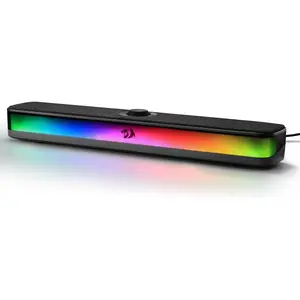
REDRAGON

4.1
975 sold
-12%$31.12$35.37


REDRAGON
4.9
132 sold
-5%$33.60$35.37


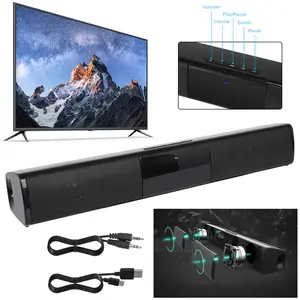
3.5
146 sold
-50%$33.24$66.47


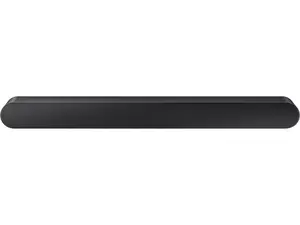
Newegg, Inc.
-9%$279.04$305.16


4.2
656 sold
-50%$17.80$35.60


Related Searches
Related Categories
Introduction
If you're looking to improve your audio experience while using your PC, connecting a soundbar can be a great option. A soundbar provides high-quality sound and can enhance your gaming, movie-watching, or music-listening sessions. There are several ways to connect a soundbar to your PC, depending on the available ports and your preferences. Here are some common methods:
- HDMI Connection: If your soundbar and PC both have HDMI ports, this is often the best option. Simply connect an HDMI cable from your PC to the soundbar. This method supports high-quality audio and can also carry video signals if needed.
- Optical Connection: Many soundbars come with an optical input. If your PC has an optical output, you can connect them using an optical cable for clear audio without interference.
- Bluetooth Connection: If your soundbar supports Bluetooth, you can wirelessly connect it to your PC. Make sure Bluetooth is enabled on your PC, then pair it with the soundbar for a clutter-free setup.
- 3.5mm AUX Cable: If your soundbar has a 3.5mm input, you can use an AUX cable to connect it directly to your PC’s headphone jack.