how to connect controller to ipad
Connecting a controller to an iPad allows users to enhance their gaming experience by using a physical game controller instead of touch controls.
Featured brands
Authenticated productsVerified shops


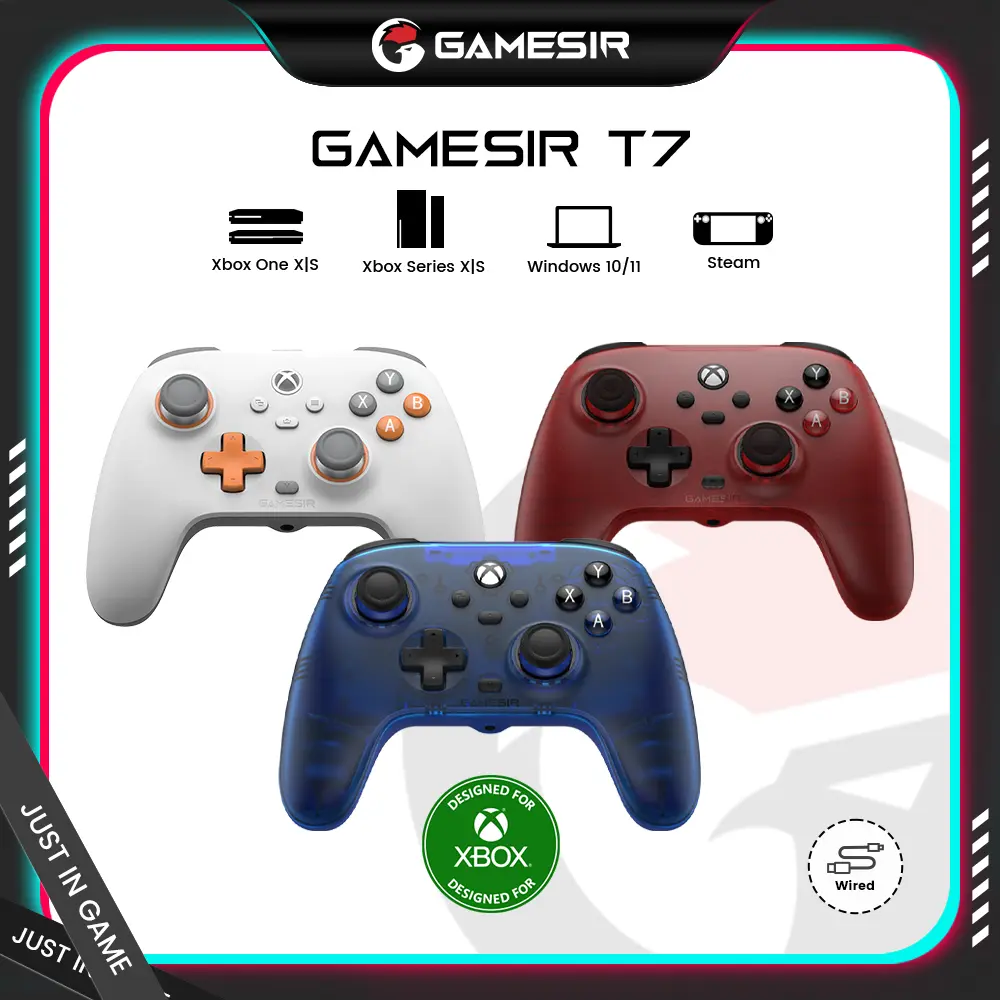
![[TT Exclusive]GameSir T7 Pro Floral Wired Controller for XBOX](https://p16-oec-general-useast5.ttcdn-us.com/tos-useast5-i-omjb5zjo8w-tx/ef361ae7454543d985d74636a836b606~tplv-fhlh96nyum-crop-webp:1000:1000.webp?dr=12190&t=555f072d&ps=933b5bde&shp=8dbd94bf&shcp=a6e80448&idc=useast5&from=2378011839)


GameSir

4.4
1.9K sold
$24.99


4.1
49 sold
-47%$18.99$35.98

Related Searches
Related Categories
Introduction
Connecting a controller to your iPad can significantly enhance your gaming experience, providing greater precision and comfort. Many gamers prefer using a controller for their favorite games, and fortunately, Apple has made it easy to connect various controllers to iPads. Whether you're using an Xbox controller, PlayStation controller, or another compatible device, the process is straightforward.
Here’s how you can connect a controller to your iPad:
Once connected, you can enjoy a wide range of games that support external controllers. Many popular games, such as Fortnite, Call of Duty, and various racing games, offer full controller support, allowing for a more immersive experience.
Remember, not all games are compatible with controllers, so it's always a good idea to check the game’s description or settings. Connecting a controller to your iPad is a proven quality enhancement for gaming, trusted by thousands of users who prefer the tactile feedback of physical buttons over touch controls.
Regularly check for updates on your iPad and controller to ensure optimal performance and compatibility. With the right setup, you can take your mobile gaming to the next level.
Here’s how you can connect a controller to your iPad:
- Ensure your iPad is updated to the latest iOS version.
- Put your controller in pairing mode. For Xbox controllers, press the Xbox button, then the pairing button. For PlayStation controllers, hold the PS button and the Share button until the light bar starts flashing.
- On your iPad, go to Settings > Bluetooth.
- Look for your controller in the list of devices and tap on it to connect.
Once connected, you can enjoy a wide range of games that support external controllers. Many popular games, such as Fortnite, Call of Duty, and various racing games, offer full controller support, allowing for a more immersive experience.
Remember, not all games are compatible with controllers, so it's always a good idea to check the game’s description or settings. Connecting a controller to your iPad is a proven quality enhancement for gaming, trusted by thousands of users who prefer the tactile feedback of physical buttons over touch controls.
Regularly check for updates on your iPad and controller to ensure optimal performance and compatibility. With the right setup, you can take your mobile gaming to the next level.