Results for "How to commecxt your controller to your pc"
Connecting a controller to your PC allows you to enhance your gaming experience with more comfortable controls.


4.2
1.8K sold
-70%$14.51$48.04


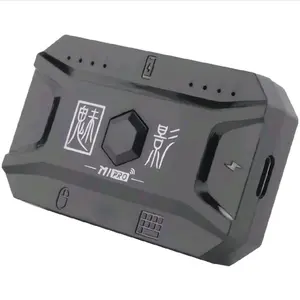


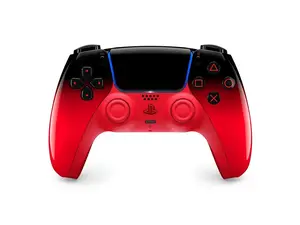


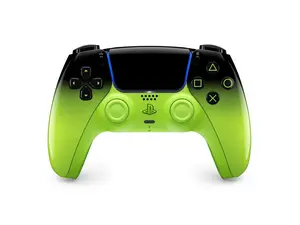
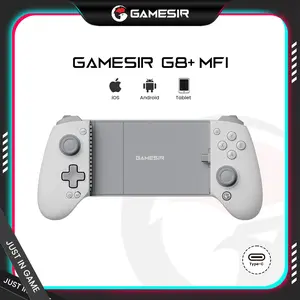

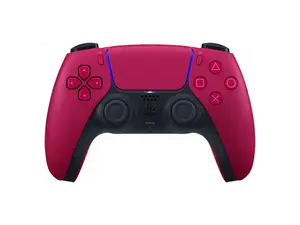

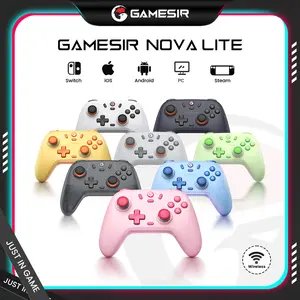
Gamesir

4.4
741 sold
$29.02
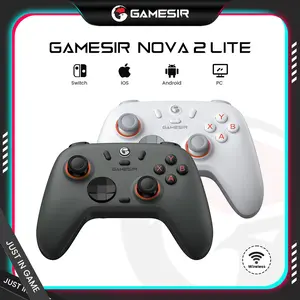
Gamesir
4.4
1.6K sold
$34.82


Gamesir
3.7
221 sold
$58.04

Related Searches
Related Categories
Introduction
Connecting your controller to your PC can significantly improve your gaming experience, whether you're playing casual games or competitive titles. With various options available, it's easier than ever to set up your controller. Here are some common methods to connect your controller:
- USB Connection: Most controllers can be directly connected via USB. Simply plug your controller into an available USB port on your PC, and it should be recognized automatically.
- Bluetooth Connection: If your controller supports Bluetooth, you can connect it wirelessly. Enable Bluetooth on your PC, put your controller in pairing mode, and select it from the list of available devices.
- Third-Party Software: Some controllers may require additional software like Steam or DS4Windows for optimal performance. These programs can help configure your controller settings and ensure compatibility with various games.