Results for "how do you set up game sir controller"
GameSir controller setup involves connecting the device to your console or PC for a seamless gaming experience.


Gamesir

4.3
5.9K sold
$34.14


Gamesir
4.7
23.7K sold
$91.05


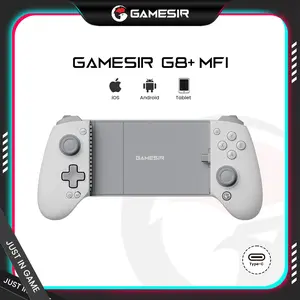
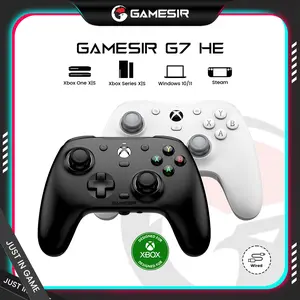

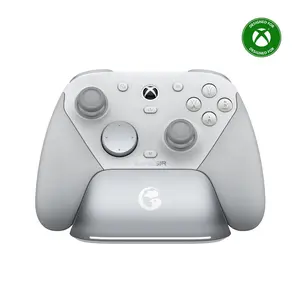
4.6
127 sold
-31%$100.69$145.91


-46%$6.00$11.10

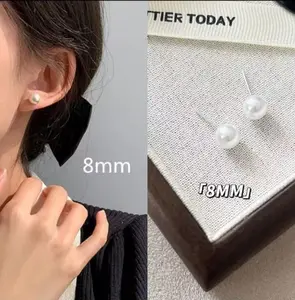
$6.00

![[TT Exclusive] GameSir T7 Pro Floral Wired Controller for Xbox](https://p16-oec-general-useast5.ttcdn-us.com/tos-useast5-i-omjb5zjo8w-tx/b9dd058be905452197f81661e20f68bf~tplv-fhlh96nyum-crop-webp:300:300.webp?dr=12190&t=555f072d&ps=933b5bde&shp=8dbd94bf&shcp=a6e80448&idc=useast5&from=2378011839 "[TT Exclusive] GameSir T7 Pro Floral Wired Controller for Xbox")


Gamesir
3.7
219 sold
$55.57

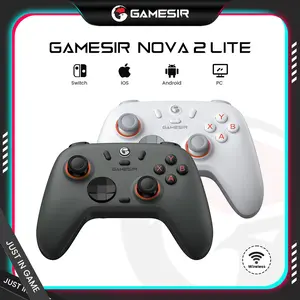
Gamesir
4.4
1.6K sold
$33.34


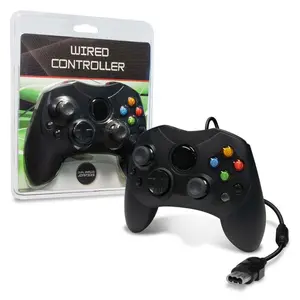

Related Searches
Related Categories
Introduction
Setting up your GameSir controller is a straightforward process that enhances your gaming experience on various platforms. Whether you are using it for a console or a PC, the GameSir controller is designed to deliver a user-friendly setup. To begin, ensure your controller is fully charged. Next, depending on your console, you can connect via Bluetooth or a USB cable. For Bluetooth connections, make sure to enable Bluetooth on your console or PC, then press the pairing button on the GameSir controller until the LED indicator starts flashing. Once it appears in the list of available devices, select it to establish the connection. If you prefer a wired connection, simply connect the USB cable from the controller to the console or PC, and it should automatically be recognized.
Here are some additional tips for setting up your GameSir controller:
Here are some additional tips for setting up your GameSir controller:
- Ensure your console or PC is updated to the latest firmware for optimal compatibility.
- Refer to the user manual for specific instructions related to your model.
- Consider downloading the GameSir app for advanced configuration options.