Results for "how do i program my vizio remote"
Programming a Vizio remote allows you to control your Vizio TV and other devices seamlessly, enhancing your viewing experience.
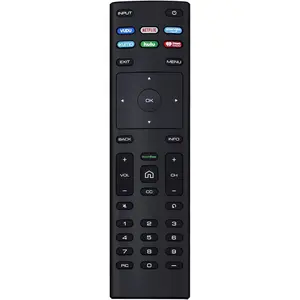

5.0
2 sold
-11%$22.24$24.98


4.3
226 sold

-47%$9.99$18.99


1.0
10 sold
-43%$14.78$25.98
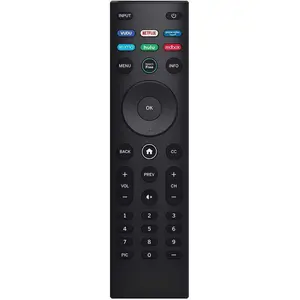
4.4
76 sold
-50%$12.95$25.90


![[2 Packs] Universal Vizio Remote XRT260 Replaced IR Fit for All VIZIO Smart TV Smartcast 4K P-Series V-Series D-Series M-Series XRT136 XRT140 with Hbomax,Netflix,PrimeVideo,Plutotv,iHeartRadio,Crackle](https://p16-oec-general-useast5.ttcdn-us.com/tos-useast5-i-omjb5zjo8w-tx/9cb60524bbde49338133f79f7e5be782~tplv-fhlh96nyum-crop-webp:225:300.webp?dr=12190&t=555f072d&ps=933b5bde&shp=8dbd94bf&shcp=a6e80448&idc=useast5&from=2378011839 "[2 Packs] Universal Vizio Remote XRT260 Replaced IR Fit for All VIZIO Smart TV Smartcast 4K P-Series V-Series D-Series M-Series XRT136 XRT140 with Hbomax,Netflix,PrimeVideo,Plutotv,iHeartRadio,Crackle")



Related Searches
Related Categories
Introduction
If you're looking to program your Vizio remote, you're in the right place! Programming your Vizio remote can seem daunting, but it’s a straightforward process that will allow you to control your television and other devices with ease. Whether you have a new Vizio TV or a universal remote, knowing how to program it effectively is essential for a seamless entertainment experience.
Here are a few simple steps to get you started on programming your Vizio remote:
Here are a few simple steps to get you started on programming your Vizio remote:
- Identify the type of remote you have: Vizio offers various remotes, including standard and universal models.
- Check the batteries: Ensure your remote has fresh batteries to avoid any connectivity issues.
- Use the correct programming code: Vizio remotes require a specific code to sync with your devices. You can find the code in the user manual or online.
- Follow the on-screen prompts: Most Vizio TVs will guide you through the programming process on-screen, making it easier to set up.
- Test your remote: Once programmed, test all functions to ensure everything works smoothly.