gamepad wireless android
A wireless gamepad for Android devices enhances the gaming experience by providing a more comfortable and responsive control method compared to touchscreen controls. These gamepads connect via Bluetooth, allowing for seamless gameplay without the hassle of wires.
Featured brands
Authenticated productsVerified shops


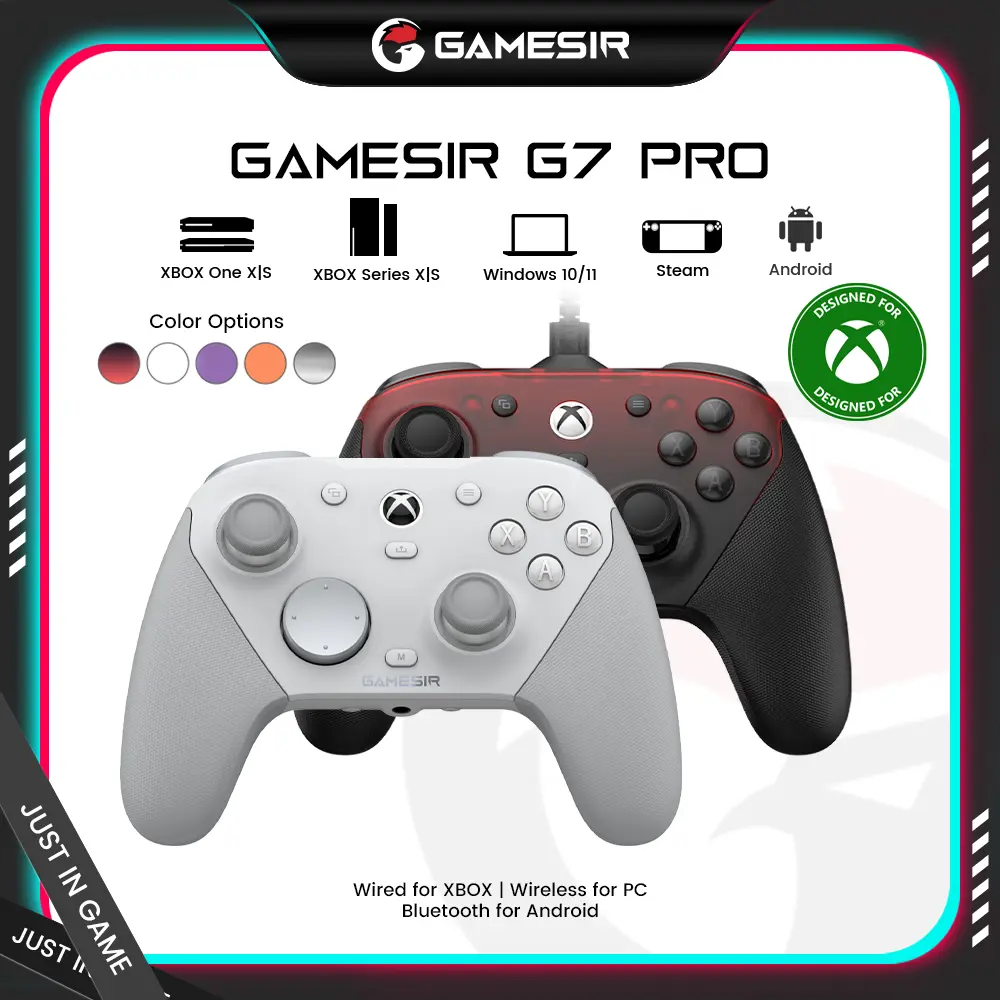

![[TT Exclusive]GameSir T7 Pro Floral Wired Controller for XBOX](https://p16-oec-general-useast5.ttcdn-us.com/tos-useast5-i-omjb5zjo8w-tx/ef361ae7454543d985d74636a836b606~tplv-fhlh96nyum-crop-webp:1000:1000.webp?dr=12190&t=555f072d&ps=933b5bde&shp=8dbd94bf&shcp=a6e80448&idc=useast5&from=2378011839)
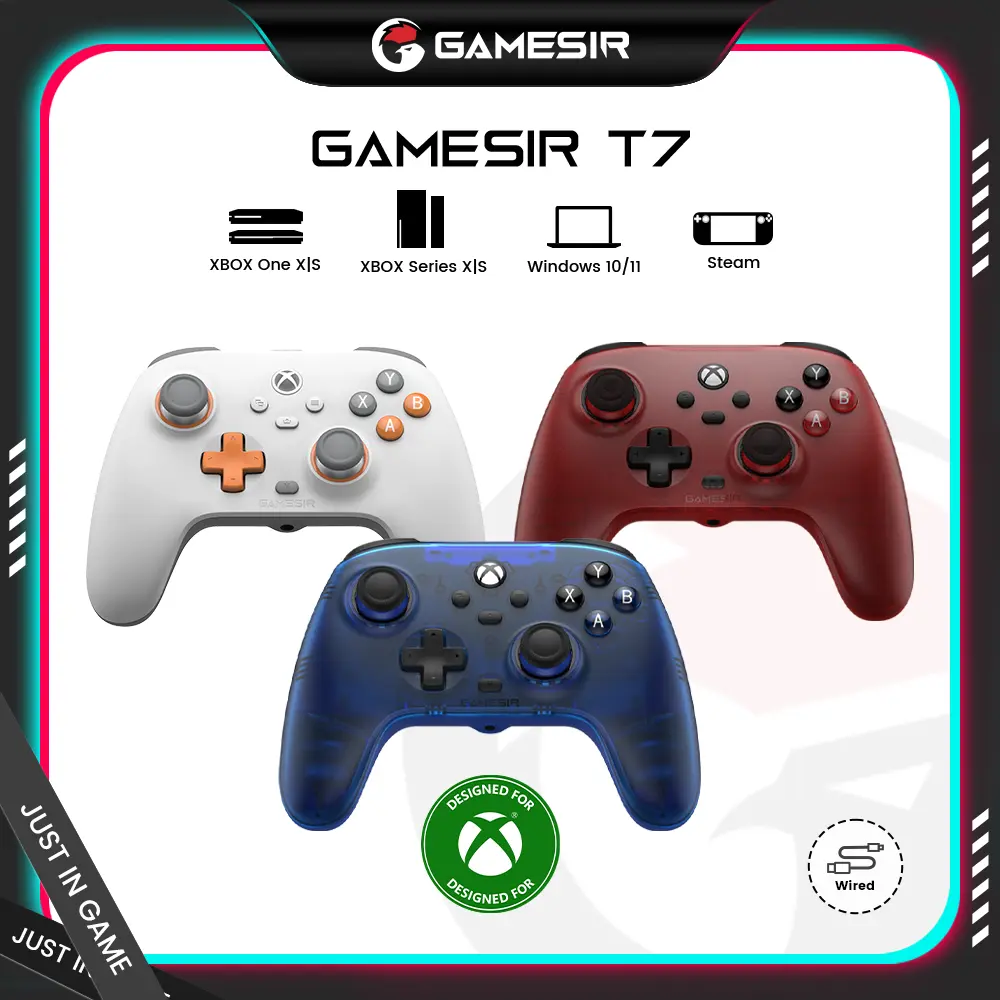


GameSir

4.4
2.1K sold
$32.49


GameSir
4.4
4.2K sold
$38.99


GameSir
3.8
367 sold
$64.99

GameSir
4.0
101 sold
$129.99


Related Searches
Related Categories
Introduction
Wireless gamepads for Android have revolutionized the way gamers interact with their mobile devices. Offering a more immersive gaming experience, these controllers provide precision and comfort that touchscreen controls often lack. Whether you're playing action-packed games, racing simulations, or casual titles, a wireless gamepad can significantly enhance your gameplay.
Here are some key benefits of using a wireless gamepad for Android:
Here are some key benefits of using a wireless gamepad for Android:
- Improved Control: Enjoy better accuracy and responsiveness with physical buttons and joysticks.
- Comfortable Design: Ergonomically designed to fit comfortably in your hands, making long gaming sessions more enjoyable.
- Bluetooth Connectivity: Easily connects to your Android device without the clutter of wires, allowing for a more flexible gaming setup.
- Wide Compatibility: Many wireless gamepads are compatible with a variety of Android games, making them a versatile addition to your gaming accessories.
- Rechargeable Batteries: Most models come with rechargeable batteries, ensuring you can keep gaming without the need for constant battery replacements.