Foot Locker
Shop Foot Locker as Posters & Prints — check contents, size, and format.
Featured brands
Authenticated productsVerified shops


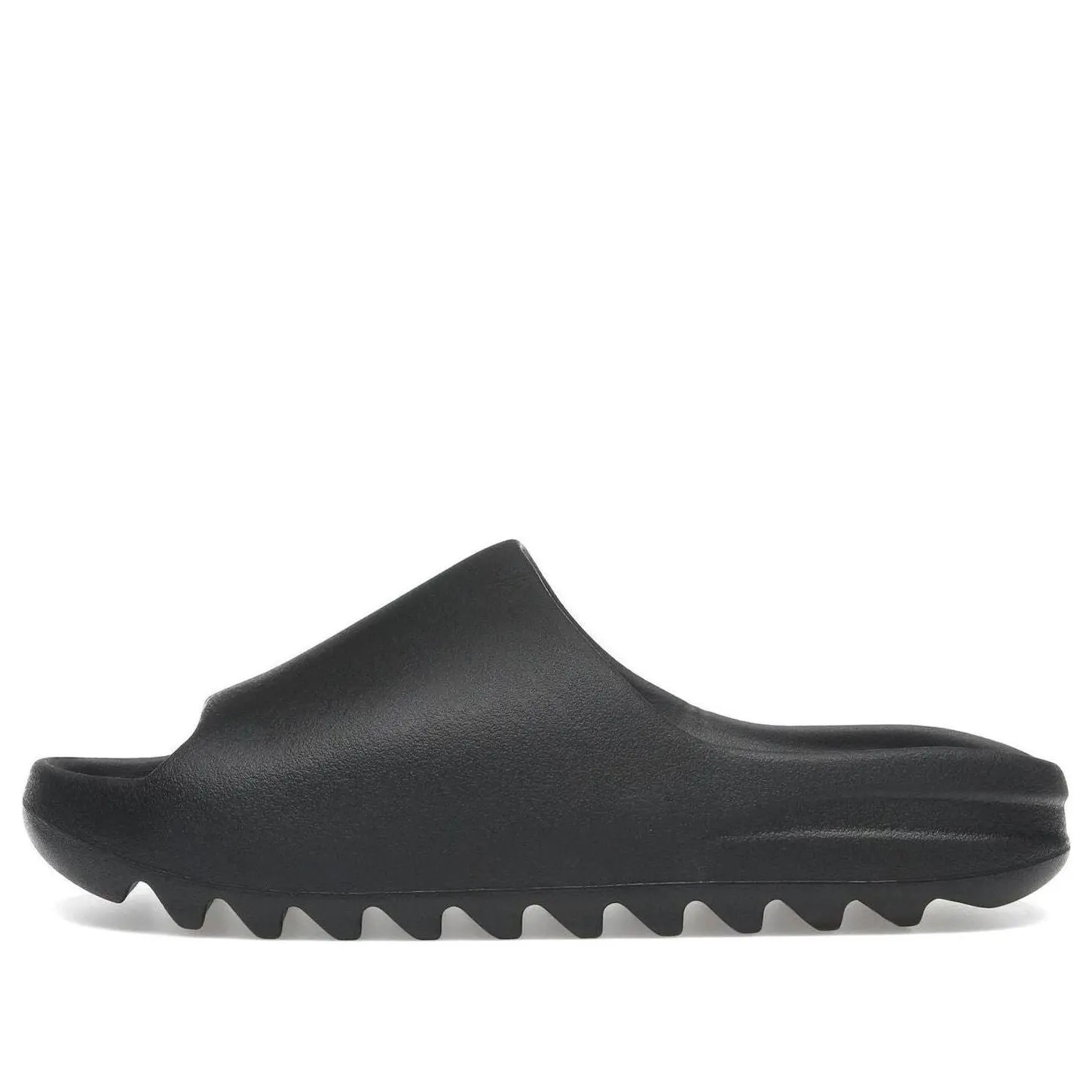
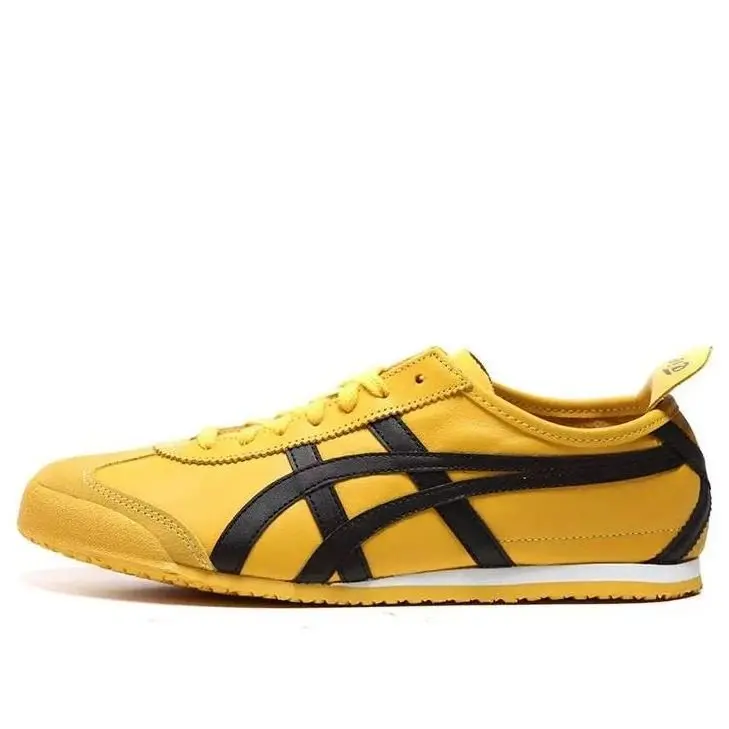

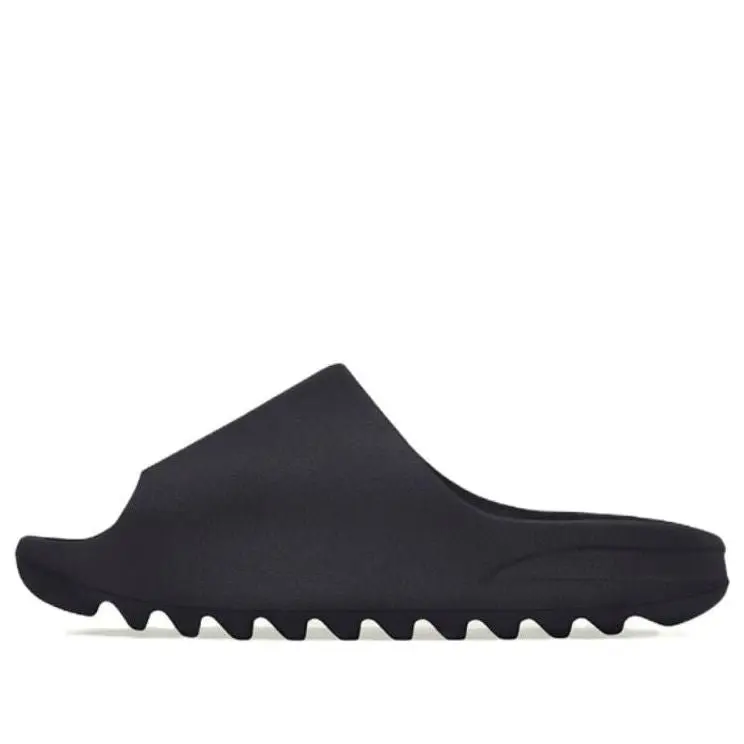

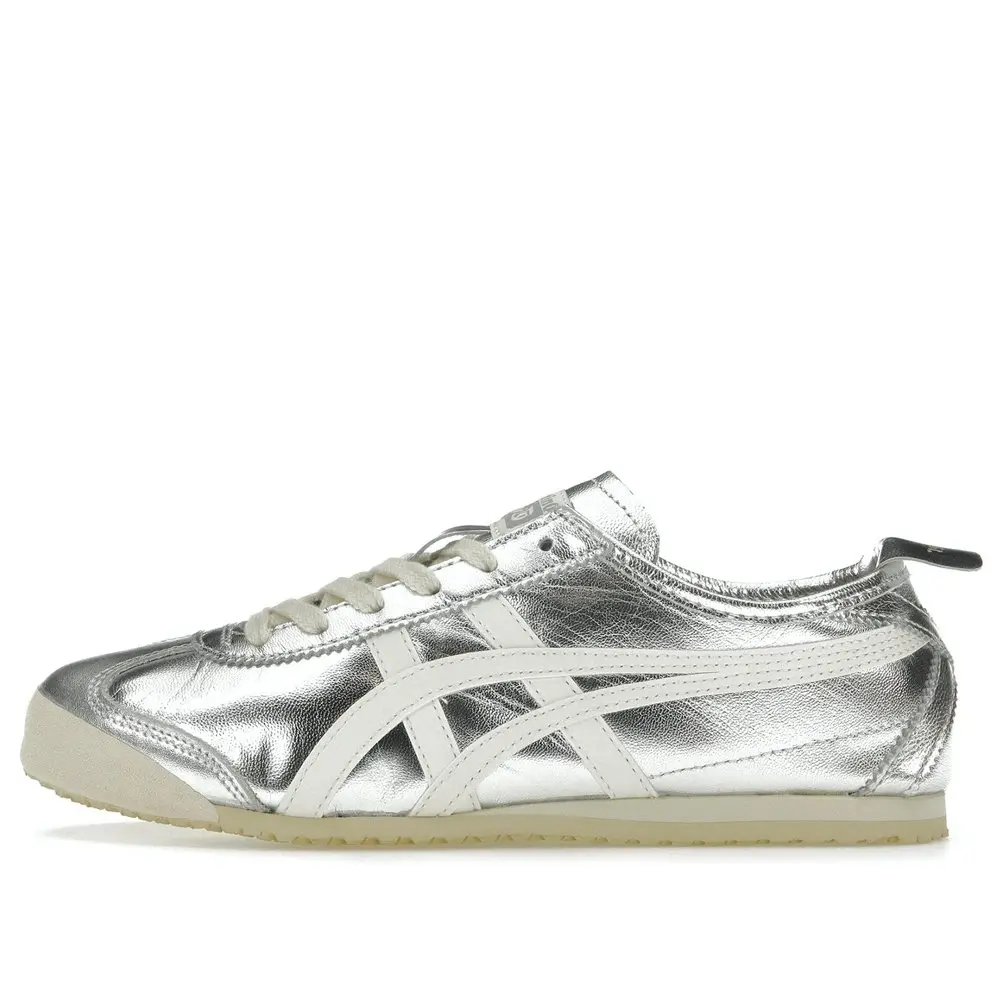


KICKS CREW SNEAKERS

4.7
1.7K sold
$230.00


4.5
65 sold
-15%$77.95$91.99


Related Searches
Related Categories
Introduction
Foot Locker shoppers should filter for Posters & Prints. A repeated search phrase in the title is not the same as the right product type.
- Intended use in the photos versus a nearby lookalike.
- What is in the box versus a title that only repeats the search.
- One printed spec: size, count, format, or model, as listed for Posters & Prints. If Foot is a variant, it should appear on the spec line.
Pick Posters & Prints options whose photos and spec agree. After that, compare prices and ratings rather than the loudest title.