Results for "ethernet cable inside"
An ethernet cable inside refers to the internal wiring and components of an ethernet cable, which is used to connect devices to a network. Understanding the internal structure can help in troubleshooting and ensuring optimal performance.


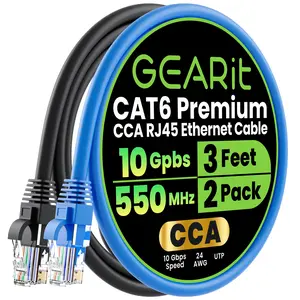
GEARit Official

4.4
105 sold
-33%$7.33$11.01


Related Searches
Related Categories
Introduction
Ethernet cables are essential for establishing reliable network connections in homes and offices. When we talk about 'ethernet cable inside,' we are referring to the internal components of these cables, which play a crucial role in data transmission. Typically, an ethernet cable consists of four twisted pairs of wires, each designed to minimize interference and enhance performance. These internal wires are vital for achieving high-speed internet connections, making them a key consideration for anyone looking to set up or upgrade their network.
When choosing an ethernet cable, consider the following factors:
When choosing an ethernet cable, consider the following factors:
- Category: Different categories (e.g., Cat5e, Cat6, Cat6a) offer varying speeds and bandwidths.
- Length: Ensure the cable is long enough for your setup without compromising signal quality.
- Shielding: Look for cables with shielding if you are in an area with high electromagnetic interference.
- Connector type: Most ethernet cables use RJ45 connectors, but verify compatibility with your devices.