Dirty screen protecter
A dirty screen protector can significantly affect the visibility and touch sensitivity of your device's screen. Regular cleaning is essential to maintain clarity and performance.
Featured brands
Authenticated productsVerified shops


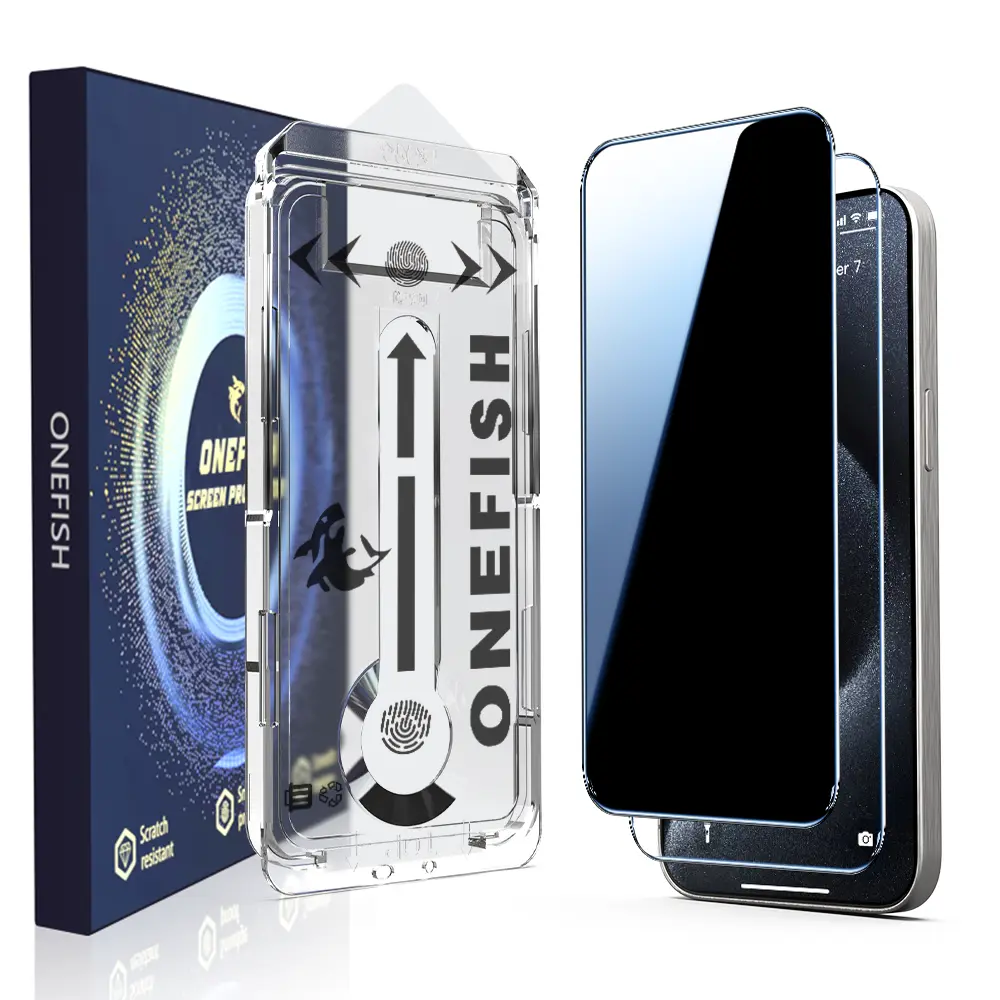
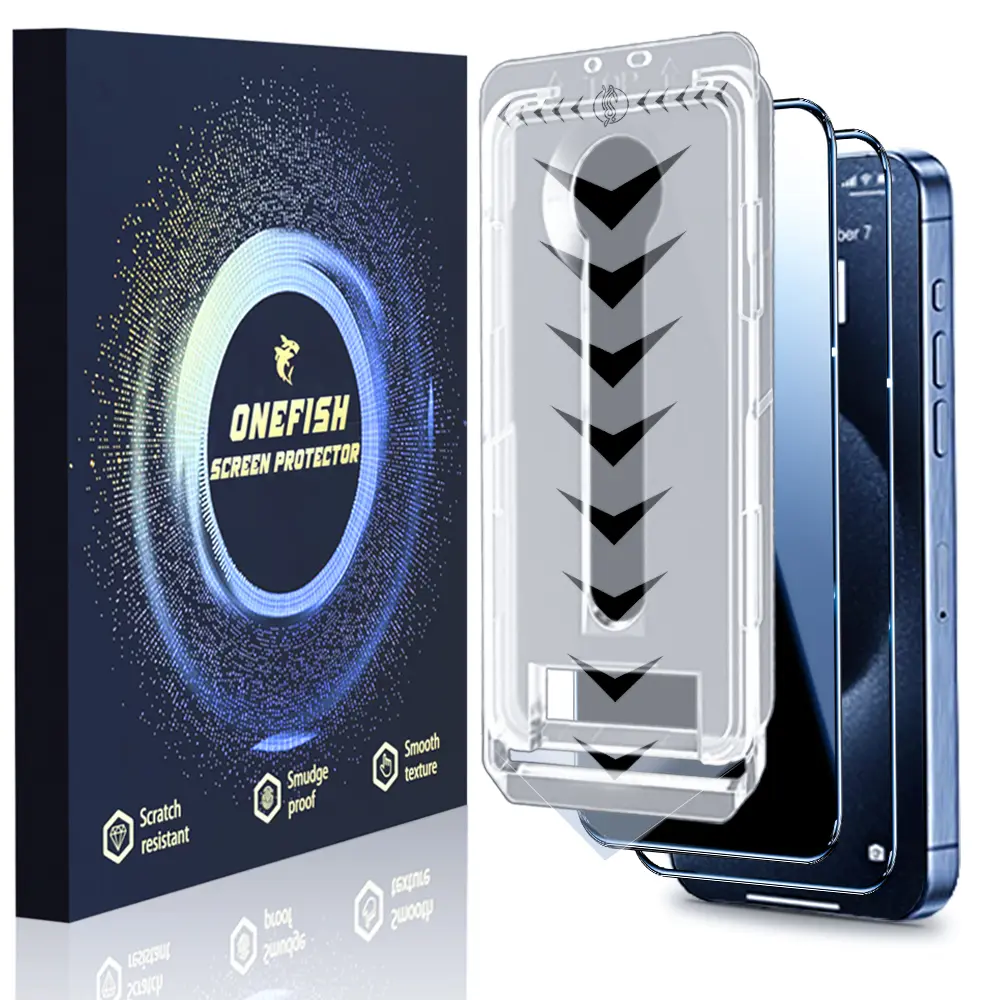
![[2PCS] One Fish Luxury Privacy Screen Protector for iPhone,Samsung -Crystal Clear, Fingerprint Proof, Scratch Resistant, Plasma Plating Process](https://p16-oec-general-useast5.ttcdn-us.com/tos-useast5-i-omjb5zjo8w-tx/9e36c1c8c69b45ffa3a8b3091f15d6a7~tplv-fhlh96nyum-crop-webp:1500:1500.webp?dr=12190&t=555f072d&ps=933b5bde&shp=8dbd94bf&shcp=a6e80448&idc=useast5&from=2378011839)
![One Fish[2PCS] 360° Privacy [4 sides Privacy] Screen Protector [UP, DOWN, LEFT, RIGHT] Anti-Spy, Tempered Glass, Full Protection.](https://p16-oec-general-useast5.ttcdn-us.com/tos-useast5-i-omjb5zjo8w-tx/8ee889704e574221bf1a166e275ade40~tplv-fhlh96nyum-crop-webp:1500:1500.webp?dr=12190&t=555f072d&ps=933b5bde&shp=8dbd94bf&shcp=a6e80448&idc=useast5&from=2378011839)


![4-piece privacy screen protector for iPhone 16 15 14 13 12 11 Pro Max [6.7 inches], sensor protection, compatible with Dynamic Island, 9H anti spy private tempered glass film, scratch resistant, protective case friendly, simple](https://p19-oec-general-useast5.ttcdn-us.com/tos-useast5-i-omjb5zjo8w-tx/74be3bbdd8594cc7a659b260363451a5~tplv-fhlh96nyum-resize-webp:600:600.webp?dr=12190&t=555f072d&ps=933b5bde&shp=8dbd94bf&shcp=a6e80448&idc=useast5&from=2378011839 "4-piece privacy screen protector for iPhone 16 15 14 13 12 11 Pro Max [6.7 inches], sensor protection, compatible with Dynamic Island, 9H anti spy private tempered glass film, scratch resistant, protective case friendly, simple")
![One Fish Screen Protector for Samsung, iPhone,Series with Clear or Anti-peeping film and Dust-free Bubble-free application [2 Pack] Anti-peeping fall protection reinforced glass protective film.](https://p16-oec-general-useast5.ttcdn-us.com/tos-useast5-i-omjb5zjo8w-tx/6a67cf7e054f4e35b5d9e38b3612a25d~tplv-fhlh96nyum-resize-webp:600:600.webp?dr=12190&t=555f072d&ps=933b5bde&shp=8dbd94bf&shcp=a6e80448&idc=useast5&from=2378011839 "One Fish Screen Protector for Samsung, iPhone,Series with Clear or Anti-peeping film and Dust-free Bubble-free application [2 Pack] Anti-peeping fall protection reinforced glass protective film.")


![[2 PCS]ONEFISH 360° FULL Privacy Screen Protector [4 Sides Privacy]. Screen film for iPhone 17/16/15/14/13 [LEFT, RIGHT, UP, DOWN], Strong Protection, Anti-Spy, Electroplated Layer, Full screen covering (Headset Cover), Fingerprint- Proof.](https://p16-oec-general-useast5.ttcdn-us.com/tos-useast5-i-omjb5zjo8w-tx/0d368ff57aef49008a8ebb2f3b59e3e5~tplv-fhlh96nyum-resize-webp:600:600.webp?dr=12190&t=555f072d&ps=933b5bde&shp=8dbd94bf&shcp=a6e80448&idc=useast5&from=2378011839 "[2 PCS]ONEFISH 360° FULL Privacy Screen Protector [4 Sides Privacy]. Screen film for iPhone 17/16/15/14/13 [LEFT, RIGHT, UP, DOWN], Strong Protection, Anti-Spy, Electroplated Layer, Full screen covering (Headset Cover), Fingerprint- Proof.")
Related Searches
Introduction
A dirty screen protector can be a common issue for smartphone and tablet users. Over time, dust, fingerprints, and smudges accumulate on the surface, making it difficult to see the screen clearly. This can lead to frustrating experiences, especially when trying to use your device for important tasks. Cleaning your screen protector regularly is crucial not only for visibility but also for maintaining the responsiveness of your touchscreen.
Here are some tips to keep your screen protector clean and effective:
For those looking to replace their screen protector, consider options that offer anti-fingerprint or anti-glare features to minimize dirt accumulation in the future. Investing in a quality screen protector can make a significant difference in your device's usability and overall satisfaction.
Here are some tips to keep your screen protector clean and effective:
- Use a microfiber cloth: This type of cloth is gentle on your screen and effective at removing dirt without scratching the surface.
- Apply a gentle cleaner: A solution specifically designed for electronics can help eliminate stubborn smudges.
- Avoid harsh chemicals: Stay away from ammonia-based cleaners as they can damage the screen protector.
- Regular maintenance: Make it a habit to wipe down your screen protector daily to prevent buildup.
For those looking to replace their screen protector, consider options that offer anti-fingerprint or anti-glare features to minimize dirt accumulation in the future. Investing in a quality screen protector can make a significant difference in your device's usability and overall satisfaction.