Results for "custom build pc under 300"
A custom build PC under $300 typically includes selecting budget-friendly components like processors, motherboards, RAM, and storage to create a functional computer tailored to specific needs.


Newegg, Inc.

5.0
1 sold
$1,378.67


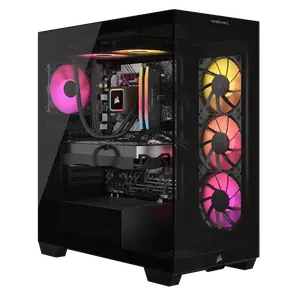
Corsair
-13%$3,791.36$4,365.81


Newegg, Inc.
-12%$2,182.90$2,493.10


Newegg, Inc.
-8%$1,272.97$1,378.67


Newegg, Inc.
1.0
7 sold
-16%$162.85$194.34
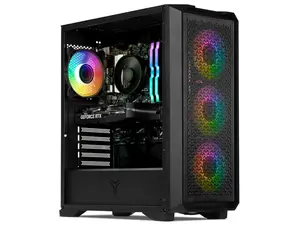
Newegg, Inc.
-21%$1,368.02$1,737.17


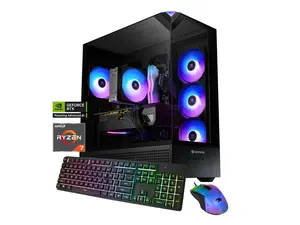
Newegg, Inc.
5.0
14 sold
-13%$1,520.02$1,737.17


4.7
833 sold
-11%$240.61$270.00

Related Searches
Related Categories
Introduction
Building a custom PC under $300 can be an exciting and rewarding project, especially for those looking to get the best performance for their budget. With the right components, you can create a capable machine suitable for everyday tasks, light gaming, or even media consumption. When selecting parts, the processor is one of the most critical components to consider, as it will significantly impact your PC's performance. Here are some essential tips to guide you through building your custom PC:
- Choose a Budget-Friendly Processor: Look for processors that offer a good balance between performance and cost. Brands like AMD and Intel have various options that can fit your budget.
- Compatibility: Ensure that the processor you choose is compatible with your motherboard. Check the socket type and chipset to avoid compatibility issues.
- Consider Future Upgrades: When building a budget PC, think about future upgrades. Selecting a motherboard that supports higher-end processors may save you money in the long run.
- Focus on Essential Components: Prioritize essential parts like RAM and storage along with the processor. Aim for at least 8GB of RAM and an SSD for better performance.
- Research and Compare: Take time to research different components and read reviews from other users to ensure you are making informed decisions.