Cricut Design

Crafts & DIY for Cricut Design compared by listed specs on TikTok Shop.

Featured brands
Authenticated productsVerified shops

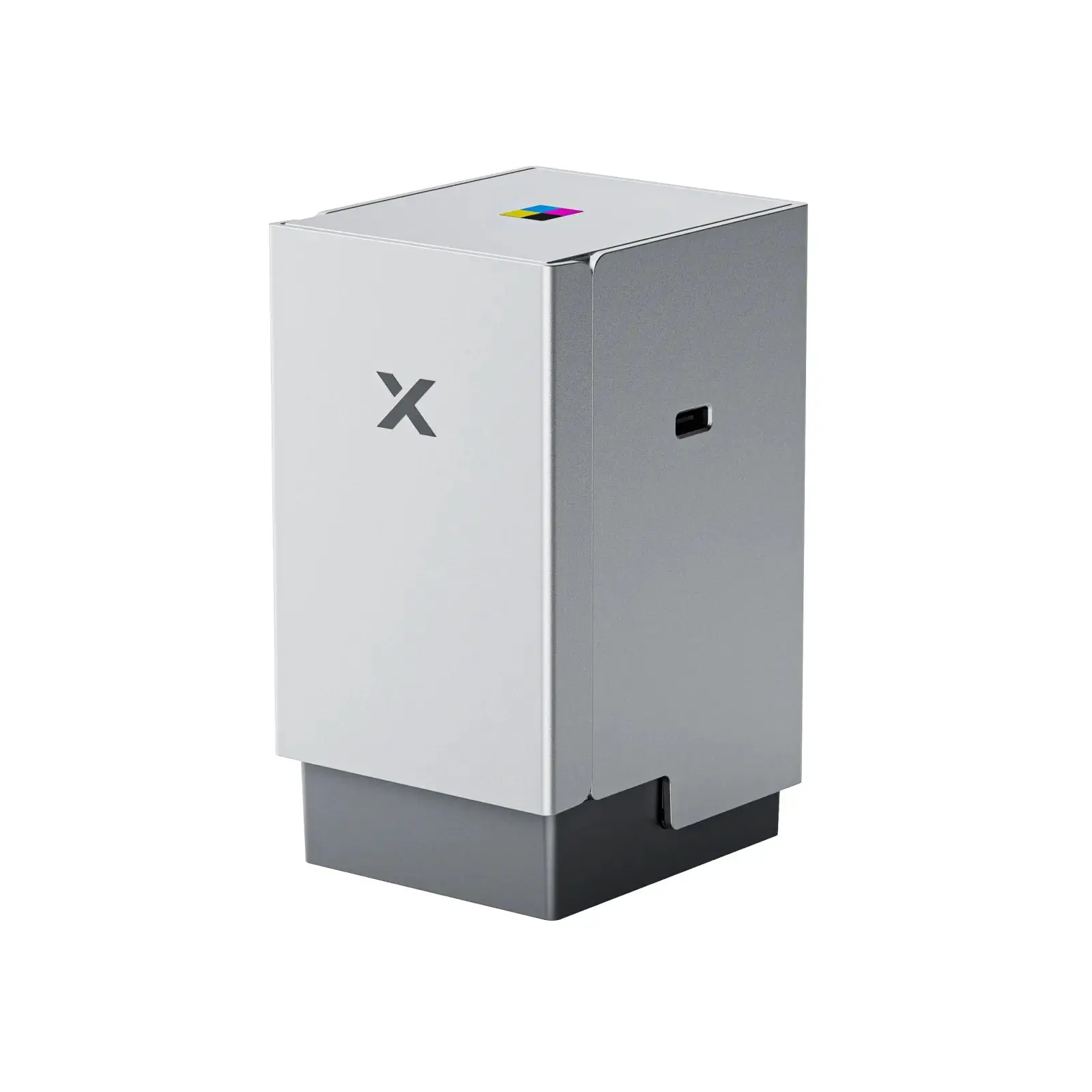
xTool C1 Color Cutter
Free shipping
xTool Official US
3 sold
Flash sale
$849.00
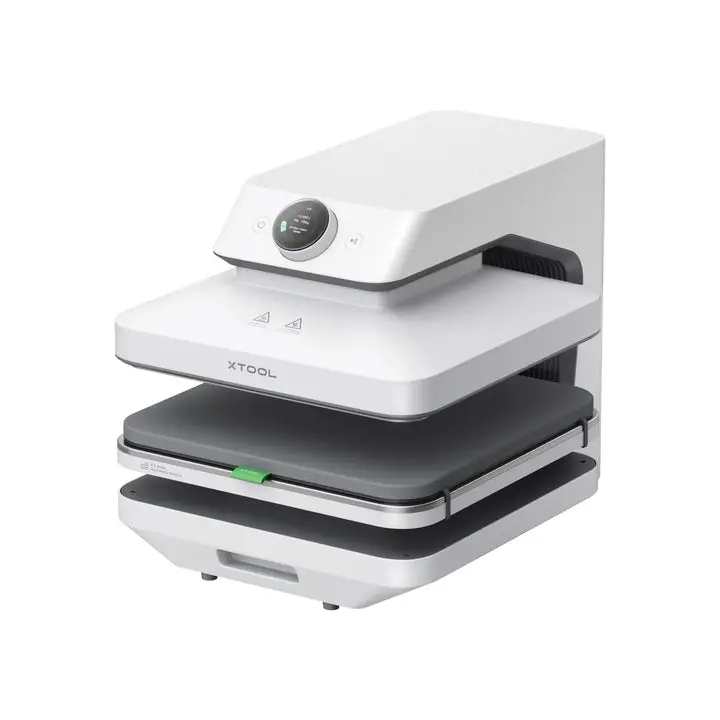
xTool M2 Color Craft Laser Cutter & Engraver
Free shipping
xTool Official US
13 sold
$908.70
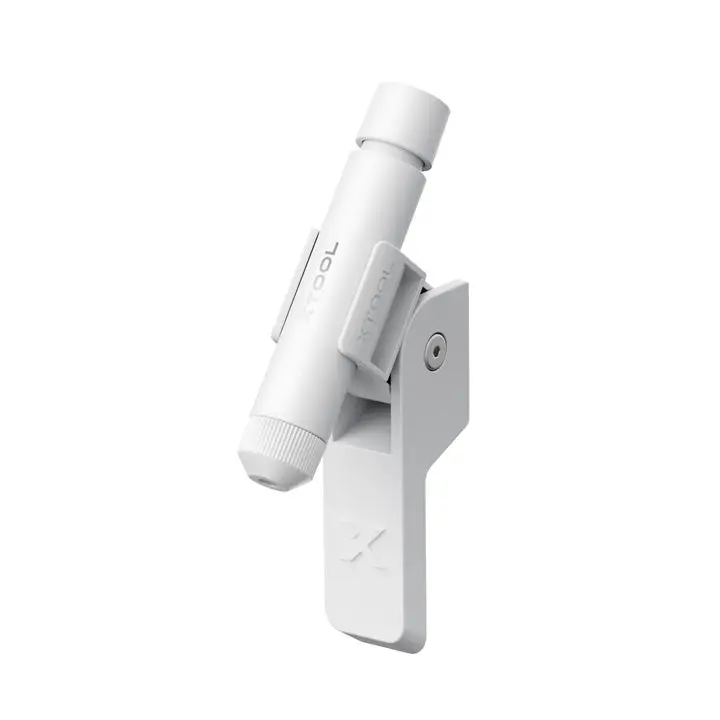
xTool Laser Positioning Pen for WonderPress
xTool Official US
4.52.5K sold
$18.98
No more products

Introduction

For Cricut Design, stay with Crafts & DIY. Two cards can share a phrase and still be different products — read the contents line first.

  • One printed spec: size, count, format, or model.
  • Intended use in the photos versus a nearby lookalike. Make sure Design refers to this crafts & diy item, not a nearby type.
  • What is in the box versus a title that only repeats the search, as listed for Crafts & DIY.

Stay on Crafts & DIY. Confirm the listed spec, then compare prices and ratings before you buy.

FAQs

No. Titles reuse keywords. Confirm the listing is crafts & diy from the photos and the spec line. If you cannot name the product type without the title, skip it and stay inside this category.

A checkable crafts & diy spec on the page: size, count, fitment, shade, or format. Pair that with the intended use in the photos. Lifestyle shots without a spec are a weak reason to buy.

Only when the extra is still crafts & diy and the original contents list is incomplete. A random accessory that merely matches a word will not fix a wrong product type.

Use them after you know the card is Crafts & DIY. Compare the same spec across two listings, then look at prices and ratings. A cheap lookalike in the wrong type is not a saving.

Buying from the title alone. People skip the contents list and end up with a nearby type. Stay on Crafts & DIY, read one printed spec, and check that the photos match that spec before checkout.