control usb
Control USB refers to the ability to manage and operate USB devices connected to a computer or console, allowing for enhanced functionality and user experience.
Featured brands
Authenticated productsVerified shops


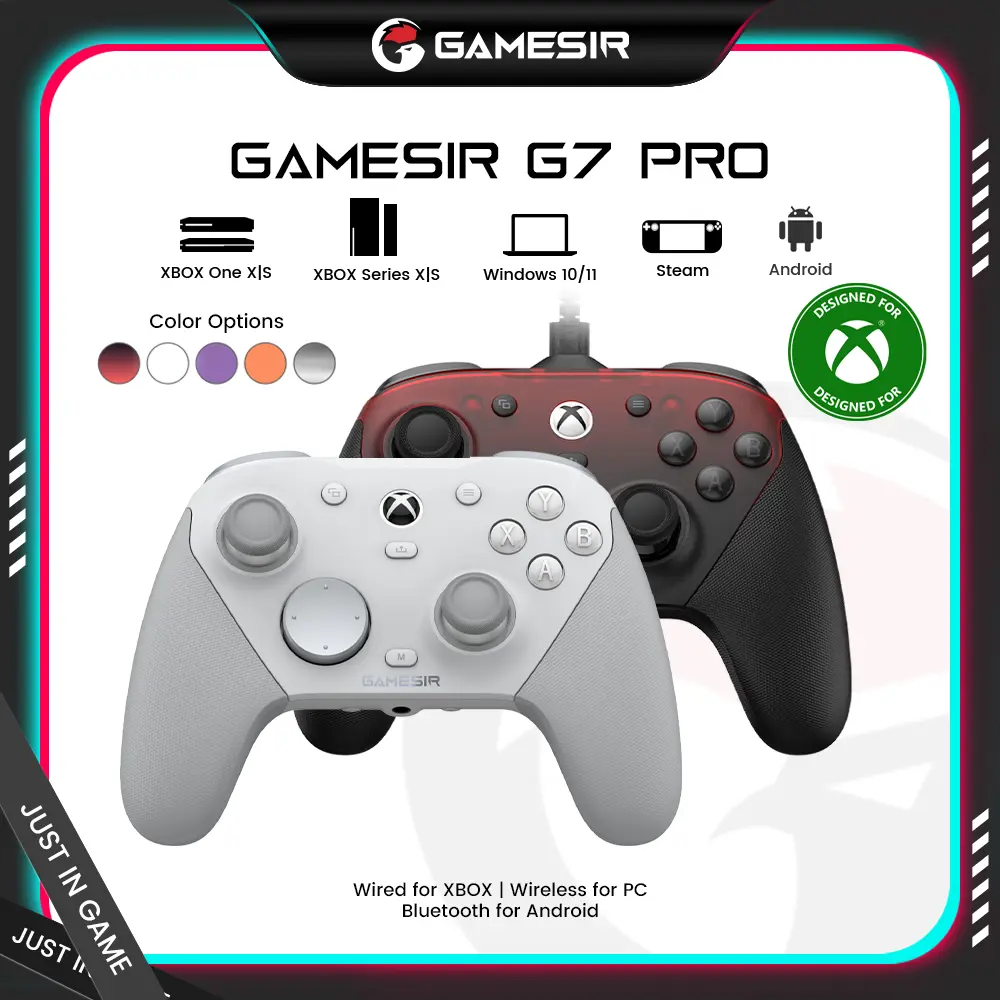

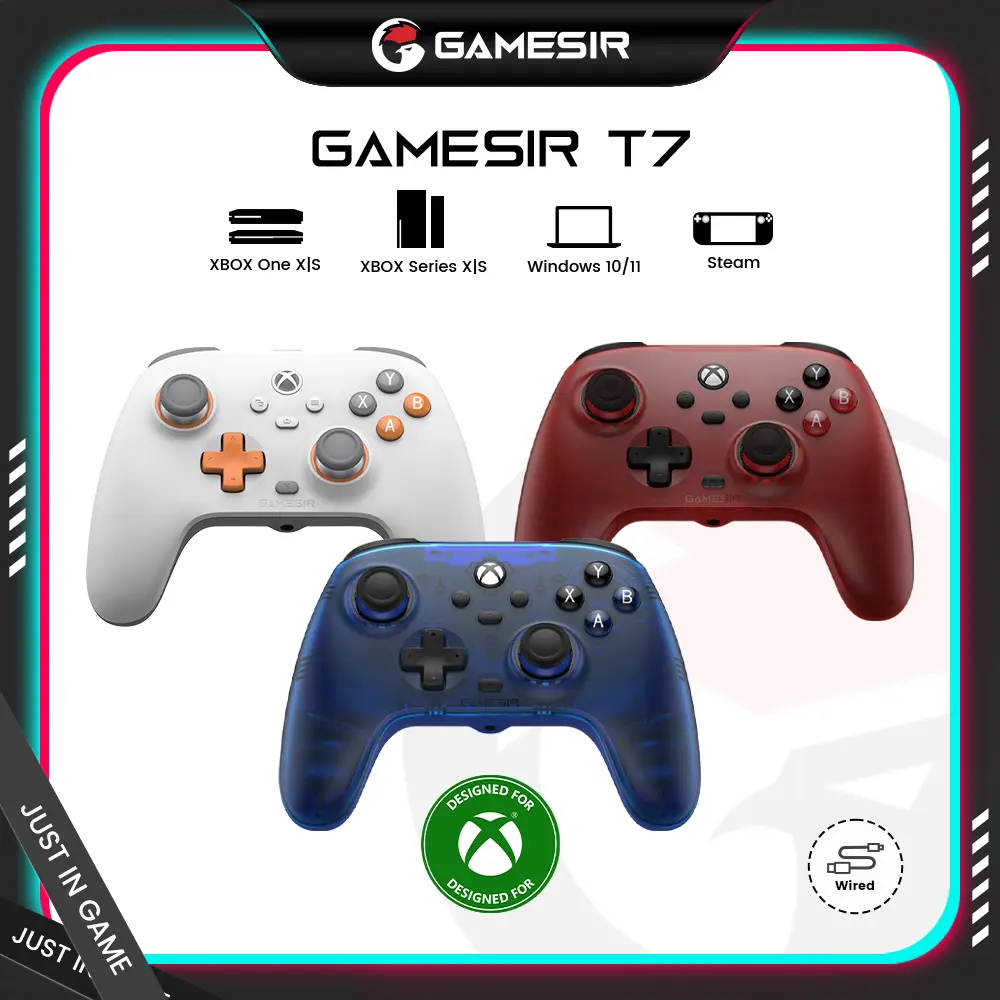
![[TT Exclusive]GameSir T7 Pro Floral Wired Controller for XBOX](https://p16-oec-general-useast5.ttcdn-us.com/tos-useast5-i-omjb5zjo8w-tx/ef361ae7454543d985d74636a836b606~tplv-fhlh96nyum-crop-webp:1000:1000.webp?dr=12190&t=555f072d&ps=933b5bde&shp=8dbd94bf&shcp=a6e80448&idc=useast5&from=2378011839)


GameSir

4.5
21.2K sold
$38.99


GameSir
4.4
4.5K sold
$38.99

5.0
9 sold
-11%$15.99$17.99


GameSir
4.4
2.4K sold
$32.49


![[TT Exclusive]GameSir T7 Pro Floral Wired Controller for XBOX](https://p16-oec-general-useast5.ttcdn-us.com/tos-useast5-i-omjb5zjo8w-tx/ef361ae7454543d985d74636a836b606~tplv-fhlh96nyum-resize-webp:600:600.webp?dr=12190&t=555f072d&ps=933b5bde&shp=8dbd94bf&shcp=a6e80448&idc=useast5&from=2378011839 "[TT Exclusive]GameSir T7 Pro Floral Wired Controller for XBOX")


Related Categories
Introduction
Control USB is an essential feature for gamers and tech enthusiasts who want to optimize their console accessories. With the rise of gaming and tech devices, understanding how to effectively control USB connections can significantly improve your gaming experience. Whether you're connecting controllers, headsets, or external storage, mastering Control USB ensures that your devices communicate seamlessly with your console.
Here are some key points about Control USB that can enhance your setup:
Here are some key points about Control USB that can enhance your setup:
- Device Management: Easily connect and disconnect various USB devices without hassle.
- Power Efficiency: Control USB helps manage power consumption for connected devices.
- Enhanced Performance: Optimize the performance of your console accessories by ensuring they are properly recognized and configured.
- Versatility: Use Control USB to connect multiple devices simultaneously, enhancing your gaming setup.