Results for "Cleaning my iphone screen"
Cleaning your iPhone screen involves using appropriate materials and techniques to remove dirt, fingerprints, and smudges without damaging the device.


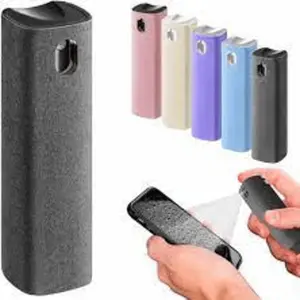
$6.49


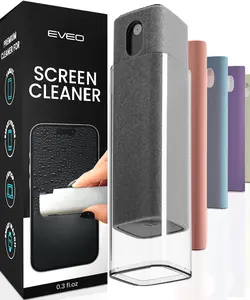


![Electronics Wipes Screen Cleaner - [2 Pack x40]](https://p16-oec-general-useast5.ttcdn-us.com/tos-useast5-i-omjb5zjo8w-tx/6e5246ce674147a59f4f0d8f4e2cae4a~tplv-fhlh96nyum-crop-webp:300:300.webp?dr=12190&t=555f072d&ps=933b5bde&shp=8dbd94bf&shcp=a6e80448&idc=useast5&from=2378011839 "Electronics Wipes Screen Cleaner - [2 Pack x40]")


5.0
1 sold
-51%$13.00$26.29


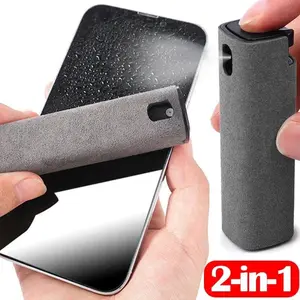


Scrub Daddy

4.9
493 sold
$9.69


Related Searches
Related Categories
Introduction
Keeping your iPhone screen clean is essential for maintaining visibility and ensuring the longevity of your device. Over time, fingerprints, dust, and smudges can accumulate on your screen, making it difficult to see content clearly. Cleaning your iPhone screen not only enhances your viewing experience but also helps to preserve the quality of the display. Here are some effective tips to clean your iPhone screen:
- Use a microfiber cloth: This is the safest option for cleaning your screen. Microfiber cloths are designed to trap dust and oils without scratching the surface.
- Avoid harsh chemicals: Do not use window cleaners, bleach, or aerosol sprays. Instead, opt for a mixture of water and isopropyl alcohol (70% or less) if needed.
- Gentle wiping: Lightly dampen the cloth with your cleaning solution and gently wipe the screen in circular motions. Avoid pressing too hard to prevent damage.
- Regular maintenance: Make it a habit to clean your screen regularly to prevent buildup. A quick wipe every few days can keep your screen looking pristine.
- Dry thoroughly: After cleaning, ensure the screen is dry before using your iPhone to avoid any moisture damage.