Charger lights
Charger lights are indicators on chargers that show the charging status of a device. They provide visual feedback to users, indicating whether a device is charging, fully charged, or if there is an issue with the connection.
Featured brands
Authenticated productsVerified shops


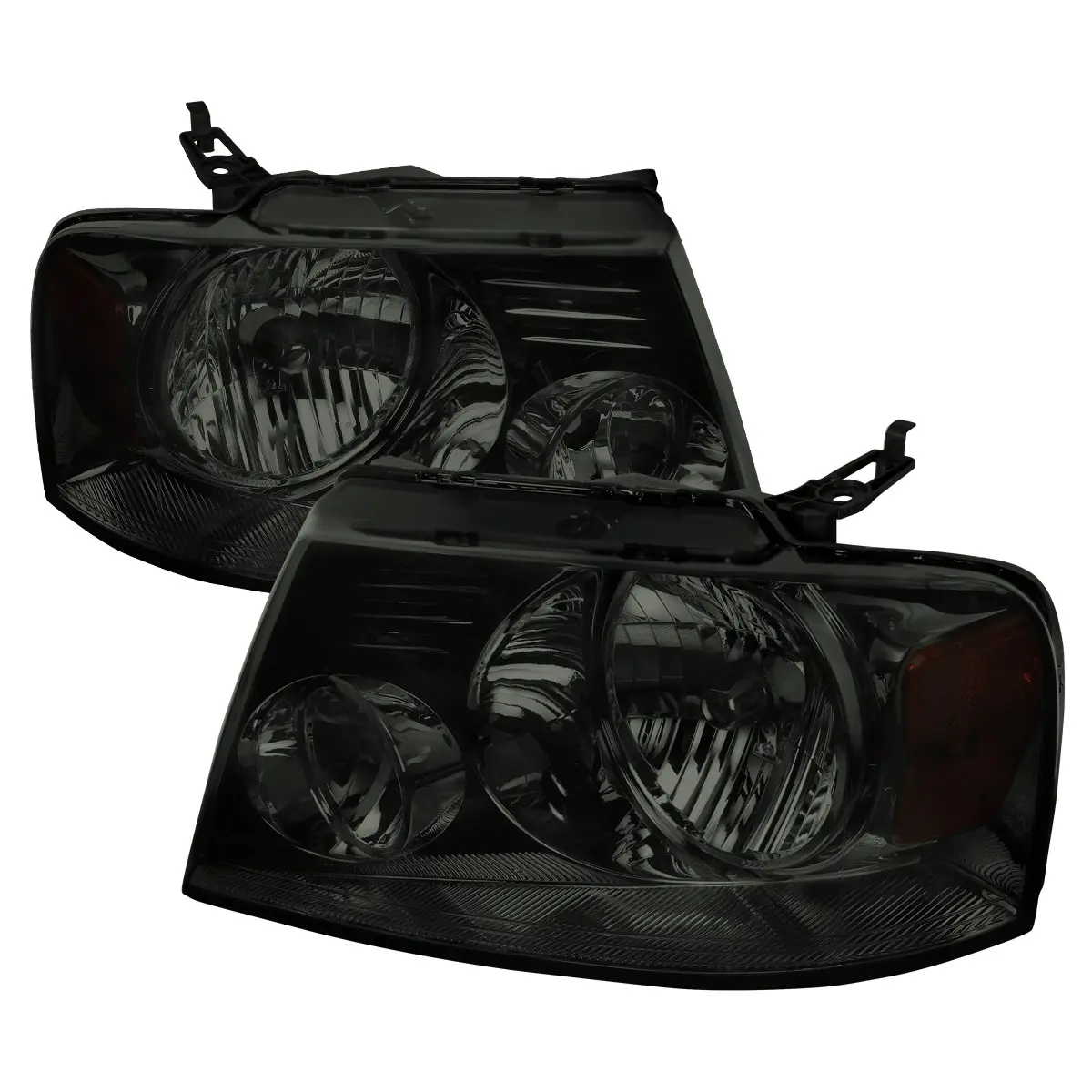



SPEC-D TUNING

5.0
8 sold
$365.99


![[Buy 1 get 1 free] 2 in 1 GaN Charger 120W Fast Charging Type C Lightning Retractable Wall Foldable Plug for iPhone Samsung Galaxy iPad MacBook Travel Friendly Compact Safe Tech Gift](https://p16-oec-general-useast5.ttcdn-us.com/tos-useast5-i-omjb5zjo8w-tx/70128ea5e97d4483b30669096249c25f~tplv-fhlh96nyum-resize-webp:600:600.webp?dr=12190&t=555f072d&ps=933b5bde&shp=8dbd94bf&shcp=a6e80448&idc=useast5&from=2378011839 "[Buy 1 get 1 free] 2 in 1 GaN Charger 120W Fast Charging Type C Lightning Retractable Wall Foldable Plug for iPhone Samsung Galaxy iPad MacBook Travel Friendly Compact Safe Tech Gift")


Bell and Howell

5.0
133 sold
-5%$37.99$39.99

![【Deals For You】[Buy 1 get 1 free]Retractable Gan Wall Charger Plug, usb c cable,Fast Charging for iPhone 17/16/15/14/13/12/Plus/Pro Max, Compact Device, Wireless Earphones, Bluetooth Speaker, Headphones, Mobile Phone, Travel, Lightening, Perfect Gift](https://p16-oec-general-useast5.ttcdn-us.com/tos-useast5-i-omjb5zjo8w-tx/77d157f1c81f4915ae94bf12ca8f4119~tplv-fhlh96nyum-resize-webp:600:600.webp?dr=12190&t=555f072d&ps=933b5bde&shp=8dbd94bf&shcp=a6e80448&idc=useast5&from=2378011839 "【Deals For You】[Buy 1 get 1 free]Retractable Gan Wall Charger Plug, usb c cable,Fast Charging for iPhone 17/16/15/14/13/12/Plus/Pro Max, Compact Device, Wireless Earphones, Bluetooth Speaker, Headphones, Mobile Phone, Travel, Lightening, Perfect Gift")


Related Searches
Related Categories
Introduction
Charger lights play a crucial role in the charging experience for your devices. Understanding charger lights can enhance your user experience, ensuring you know the status of your device’s battery. Typically found on various chargers, these lights indicate whether your device is charging, fully charged, or if there’s an error in the connection.
When you plug in your device, a charger light will often illuminate, signaling that the charging process has begun. If the light is green or blue, it usually indicates that your device is fully charged, while a red or orange light may suggest that charging is in progress.
Here are some key insights about charger lights:
Understanding these indicators can prevent overcharging and extend the lifespan of your device's battery. Proven quality and customer-approved, knowing how to interpret charger lights can save you time and frustration. Ensure you always use compatible chargers and cables to maintain optimal charging performance.
Regularly check your charging equipment to ensure it is functioning properly, and don’t hesitate to replace any faulty chargers to keep your devices running smoothly.
When you plug in your device, a charger light will often illuminate, signaling that the charging process has begun. If the light is green or blue, it usually indicates that your device is fully charged, while a red or orange light may suggest that charging is in progress.
Here are some key insights about charger lights:
- Visual Feedback: Charger lights provide instant feedback, helping you monitor your device's battery status without needing to check the device itself.
- Common Issues: If the charger light is blinking or off, it may indicate a problem with the charger, cable, or the device itself.
- Compatibility: Different devices may have different charging indicators, so it's essential to refer to your device's manual for specific information.
Understanding these indicators can prevent overcharging and extend the lifespan of your device's battery. Proven quality and customer-approved, knowing how to interpret charger lights can save you time and frustration. Ensure you always use compatible chargers and cables to maintain optimal charging performance.
Regularly check your charging equipment to ensure it is functioning properly, and don’t hesitate to replace any faulty chargers to keep your devices running smoothly.