canon m50 vlogging setup
The Canon M50 is a versatile mirrorless camera popular among vloggers for its compact size and high-quality video capabilities. It features a flip-out touchscreen, great autofocus, and 4K recording options.
Featured brands
Authenticated productsVerified shops


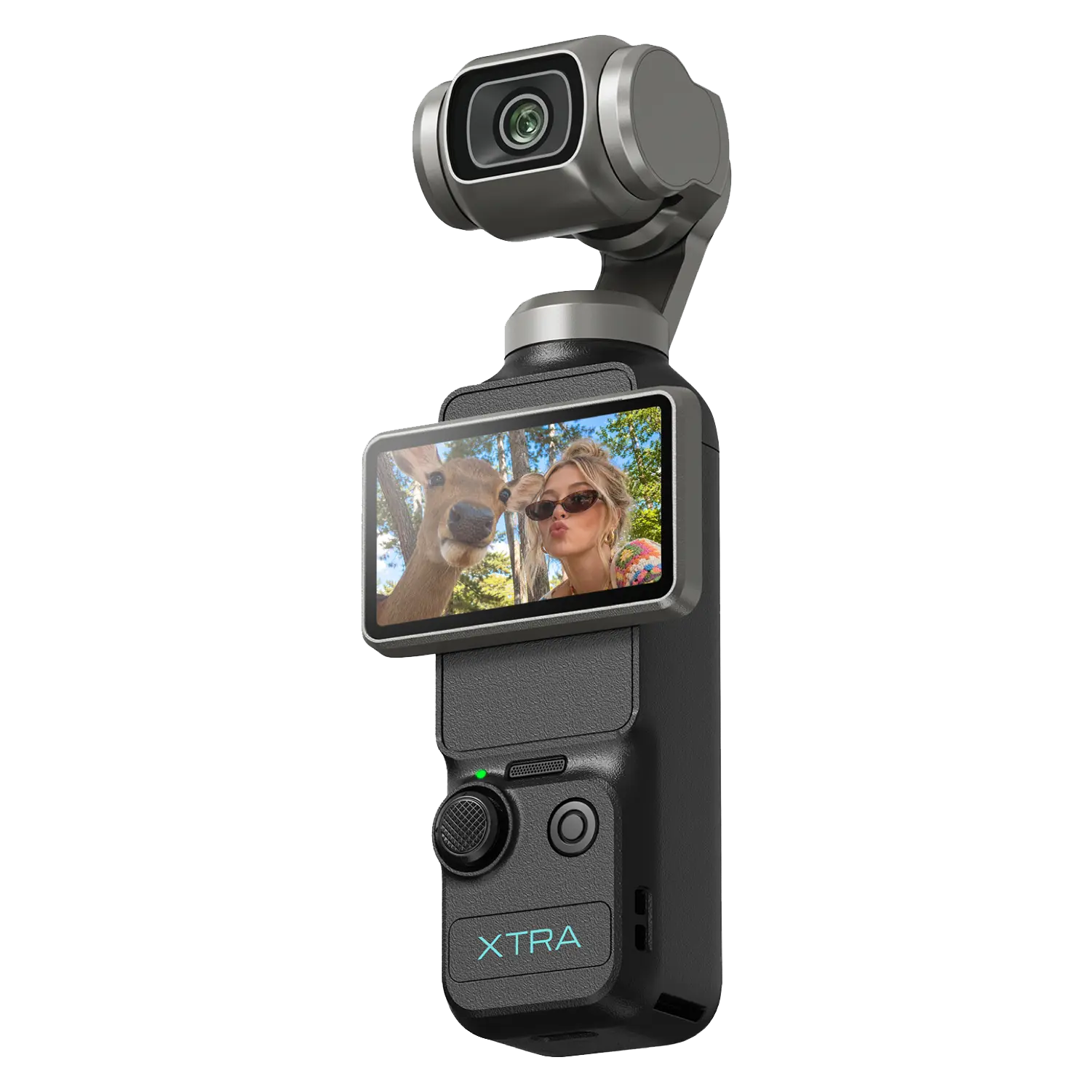



Xtra Direct

4.9
24.0K sold
-36%$449.00$699.00


Related Searches
Related Categories
Introduction
The Canon M50 vlogging setup is an essential consideration for anyone looking to create high-quality video content. This mirrorless camera is favored by many content creators for its exceptional features that cater specifically to vlogging needs. With the Canon M50, you can capture stunning 4K videos, ensuring your audience experiences your content in the best possible quality. The camera's Dual Pixel autofocus technology allows for smooth focusing transitions, making it ideal for dynamic shooting environments.
When setting up your Canon M50 for vlogging, consider the following key components to enhance your production:
When setting up your Canon M50 for vlogging, consider the following key components to enhance your production:
- Microphone: A good external microphone can significantly improve your audio quality, essential for engaging viewers.
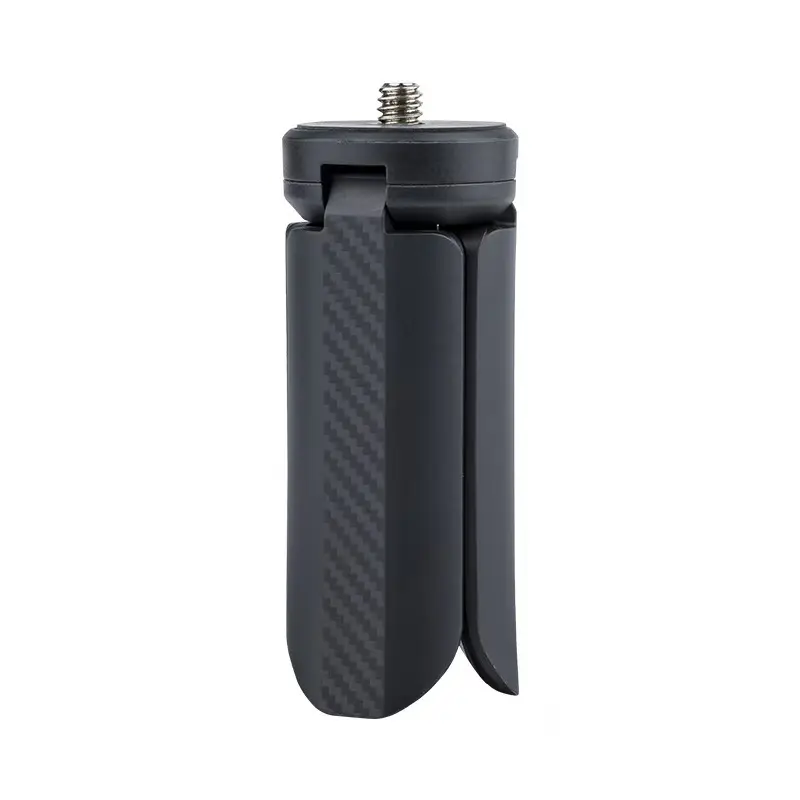
- Tripod or Gimbal: Stability is crucial in video production. A tripod or gimbal can help you achieve steady shots, whether you’re filming yourself or capturing scenic views.
- Lighting: Good lighting can make a world of difference in your video quality. Consider portable LED lights to illuminate your scenes effectively.
- Extra Batteries: Vlogging can drain your camera's battery quickly, so having extras on hand ensures you won’t miss any moments.
- Lens Options: The Canon M50 is compatible with various lenses, allowing you to choose the best one for your vlogging style.