Blurry Ring
Rings cards for Blurry Ring with a printed spec you can check.
Featured brands
Authenticated productsVerified shops

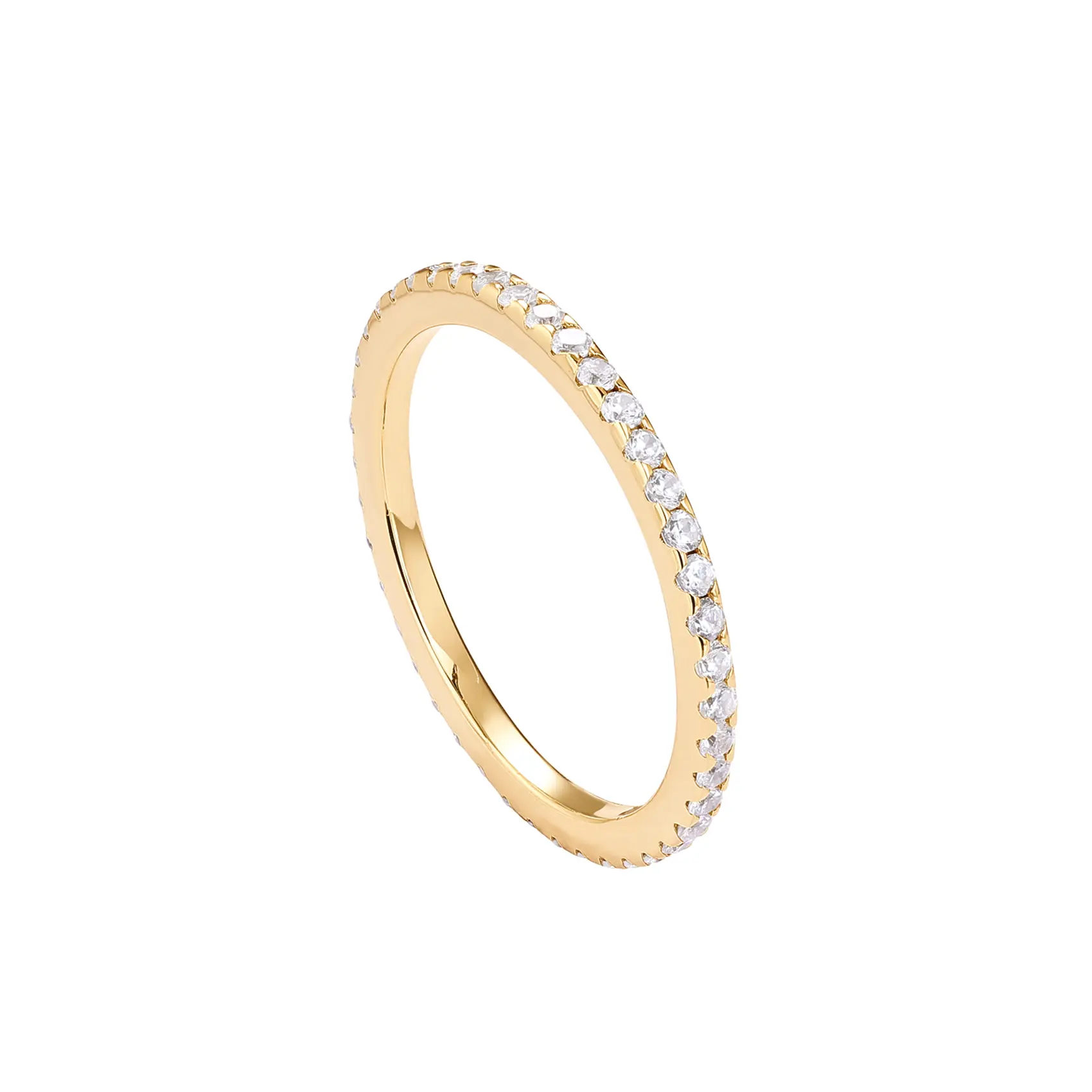

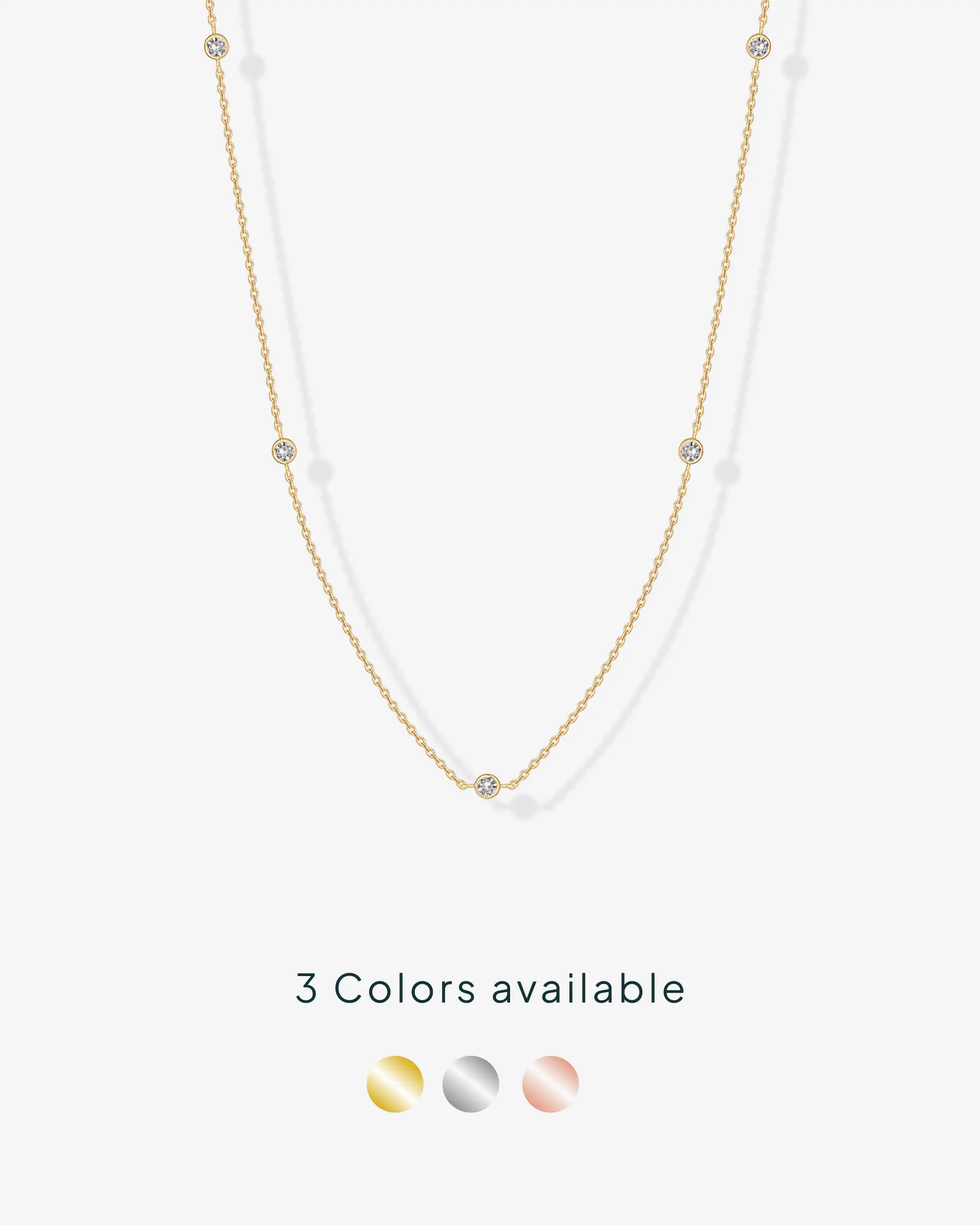
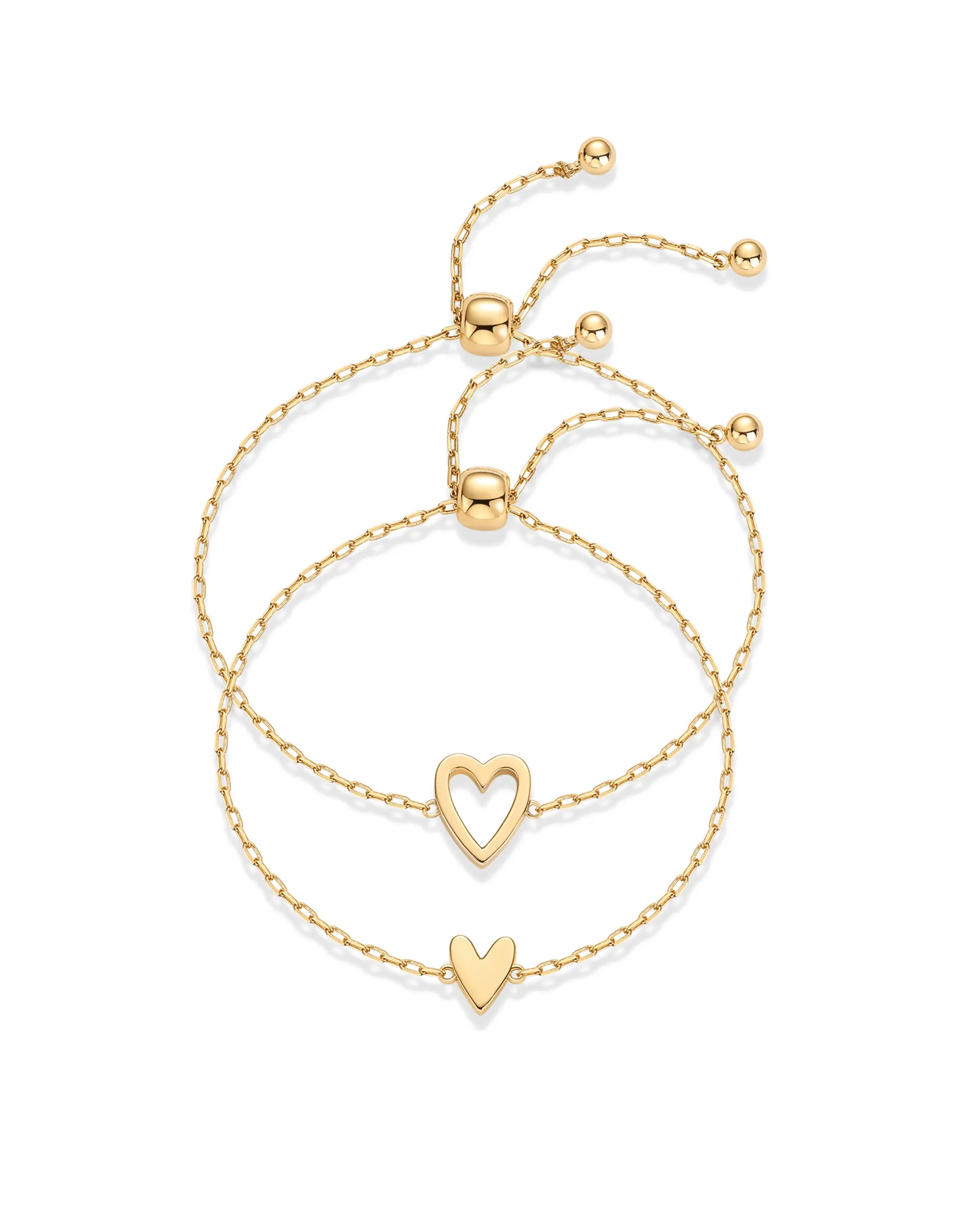


PAVOI

4.6
2.6K sold
-10%$27.33$30.37


4.6
3.1K sold
-49%$11.82$23.40


Related Categories
Introduction
Blurry Ring maps to Rings on this page. Compare the rings spec and the photos, not a title that only repeats the search words.
- Clasp or band type matching the photos.
- Metal, plating, and size as written.
- Set versus a single piece, as listed for Rings. If Blurry is a variant, it should appear on the spec line.
Pick Rings options whose photos and spec agree. After that, compare prices and ratings rather than the loudest title Keep the comparison inside Rings so the spec you check is actually relevant.