bluetooth obd2 iphone
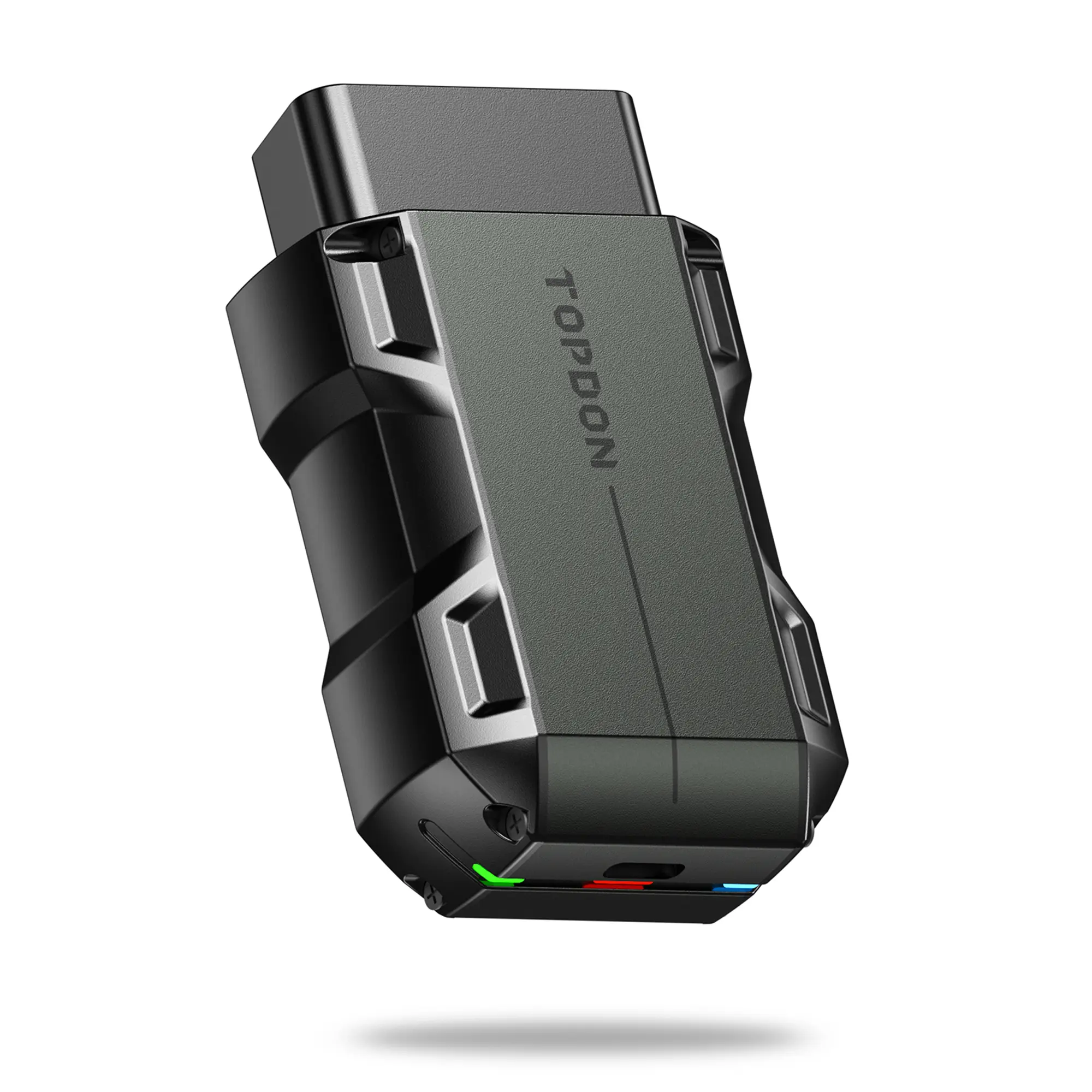
Bluetooth OBD2 for iPhone is a wireless diagnostic tool that connects your vehicle's onboard diagnostics system to your iPhone, allowing you to monitor and troubleshoot car issues directly from your mobile device.
Featured brands
Authenticated productsVerified shops






Topdonshop

4.4
347 sold
-39%$49.00$79.99


![[Voice-Tank] Bluetooth 5.4 Automotive Diagnostic Scanner, Wireless OBD2 Code Reader for iOS/Android App Use, Check Engine Check, IM Readiness Test, Live Data, Error Code Erasure & System Reset with Exclusive App](https://p16-oec-general-useast5.ttcdn-us.com/tos-useast5-i-omjb5zjo8w-tx/7be31f359ad246869f4af133913d6390~tplv-fhlh96nyum-resize-webp:600:600.webp?dr=12190&t=555f072d&ps=933b5bde&shp=8dbd94bf&shcp=a6e80448&idc=useast5&from=2378011839 "[Voice-Tank] Bluetooth 5.4 Automotive Diagnostic Scanner, Wireless OBD2 Code Reader for iOS/Android App Use, Check Engine Check, IM Readiness Test, Live Data, Error Code Erasure & System Reset with Exclusive App")
Related Searches
Introduction
Bluetooth OBD2 for iPhone has revolutionized the way car owners and mechanics diagnose vehicle issues. This innovative tool connects wirelessly to your vehicle's OBD2 port, providing real-time data and diagnostics directly on your iPhone. Whether you're a car enthusiast or a professional mechanic, having Bluetooth OBD2 for iPhone can greatly enhance your ability to monitor your vehicle's performance and detect potential problems before they escalate.
With Bluetooth OBD2 for iPhone, you can access a wealth of information, including:
When choosing a Bluetooth OBD2 for iPhone, consider factors such as compatibility with your vehicle, ease of use, and the range of features offered. Look for products that are customer-approved and have proven quality to ensure you make a reliable choice. Regular updates and a strong user community can also enhance your experience.
In summary, Bluetooth OBD2 for iPhone is an essential tool for anyone looking to maintain their vehicle efficiently. By leveraging the power of your smartphone, you can stay ahead of potential issues and ensure your car runs smoothly.
With Bluetooth OBD2 for iPhone, you can access a wealth of information, including:
- Engine codes and diagnostics
- Real-time engine data
- Performance metrics
- Fuel efficiency tracking
When choosing a Bluetooth OBD2 for iPhone, consider factors such as compatibility with your vehicle, ease of use, and the range of features offered. Look for products that are customer-approved and have proven quality to ensure you make a reliable choice. Regular updates and a strong user community can also enhance your experience.
In summary, Bluetooth OBD2 for iPhone is an essential tool for anyone looking to maintain their vehicle efficiently. By leveraging the power of your smartphone, you can stay ahead of potential issues and ensure your car runs smoothly.