bluetooth adapter for pc
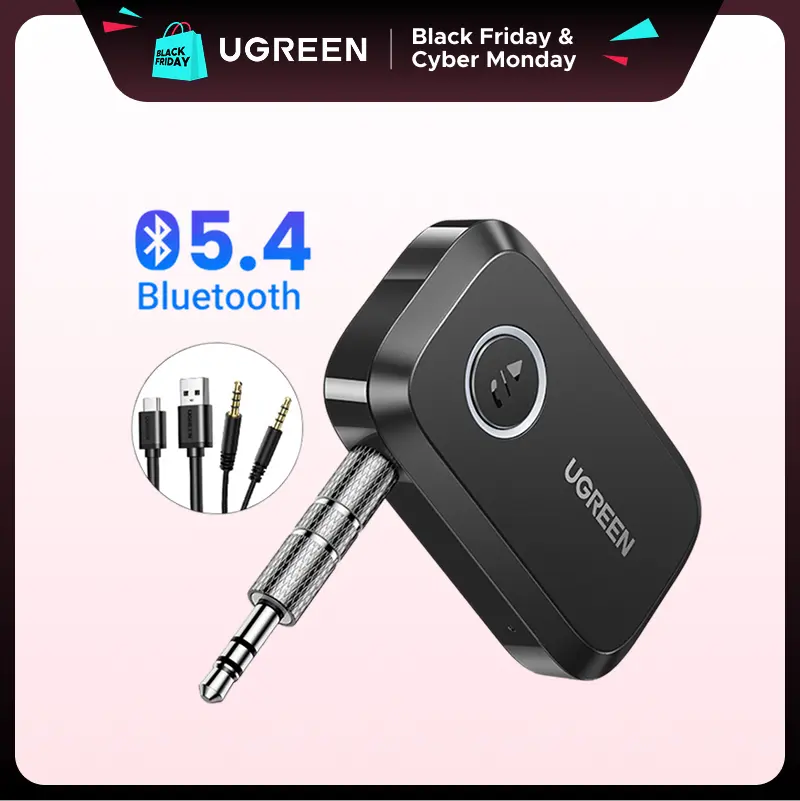
A Bluetooth adapter for PC is a device that enables your computer to connect wirelessly to Bluetooth-enabled devices such as headphones, keyboards, mice, and smartphones. It allows for seamless data transfer and communication between your PC and other Bluetooth devices, enhancing your overall computing experience.




Introduction
In today’s digital age, staying connected is more important than ever, and a Bluetooth adapter for PC can be a game-changer for your wireless connectivity needs. These compact devices allow your computer to communicate with a wide range of Bluetooth-enabled gadgets, making it easier than ever to connect to headphones, speakers, and even smart home devices. Imagine enjoying your favorite music without the hassle of wires or effortlessly syncing your smartphone to transfer files. With a Bluetooth adapter, you can unlock a world of convenience and versatility.
When choosing a Bluetooth adapter for PC, consider factors such as compatibility, range, and data transfer speed. Most adapters are plug-and-play, meaning you can easily connect them to your USB port without the need for additional software. Additionally, look for adapters that support the latest Bluetooth version for improved performance and connectivity. Whether you're a gamer wanting to connect a wireless controller or a professional needing to transfer files quickly, a Bluetooth adapter can provide the solution you need.
Investing in a high-quality Bluetooth adapter for your PC can significantly enhance your productivity and entertainment experience. With the ability to connect multiple devices simultaneously, you can streamline your workspace and enjoy the freedom of wireless technology. Don’t miss out on the benefits of a Bluetooth adapter—upgrade your PC today and experience the difference!