blue popsocket
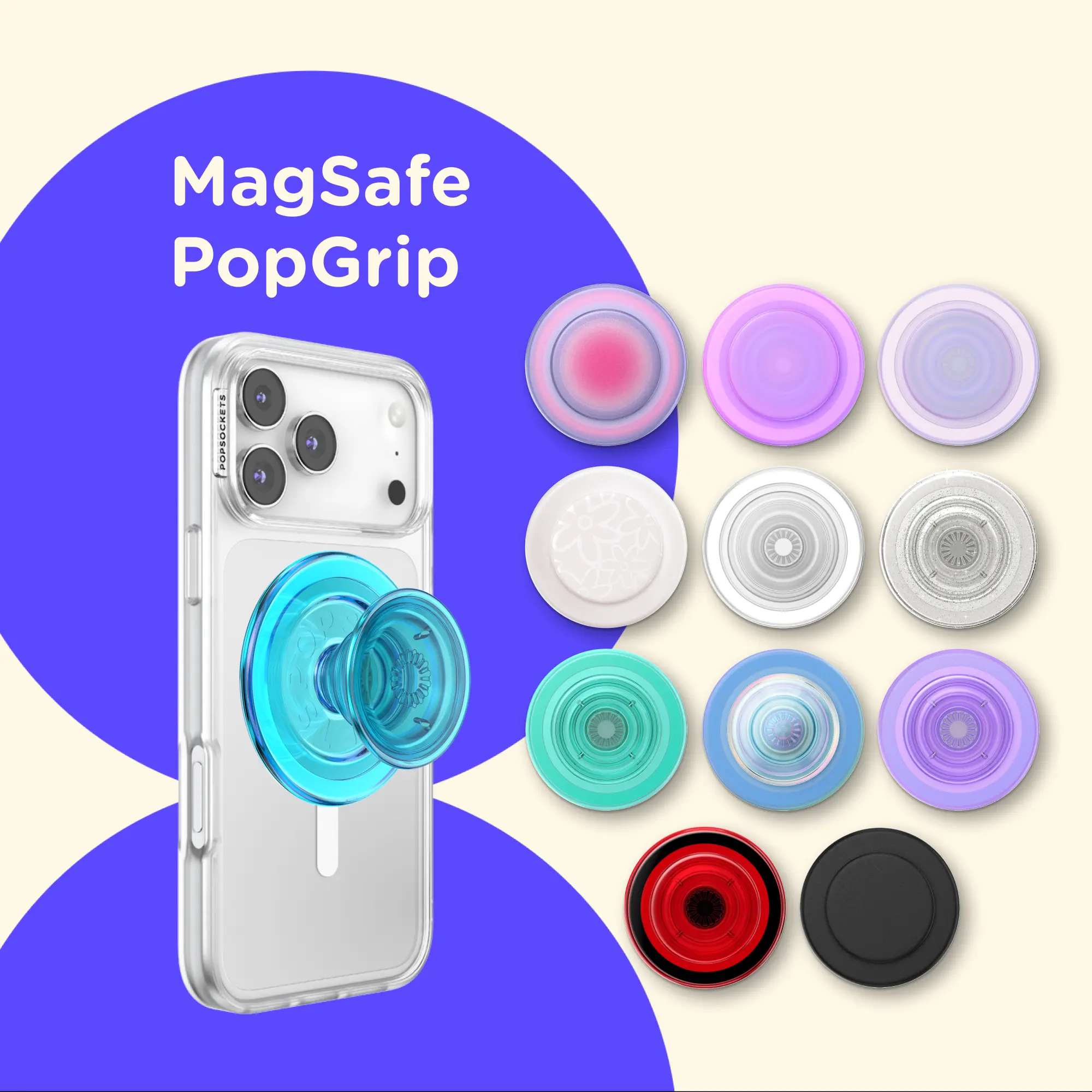
A blue popsocket is a phone accessory that allows users to securely grip their phones, providing convenience for texting, taking selfies, and watching videos.
Featured brands
Authenticated productsVerified shops






5.0
25 sold
-23%$7.66$9.99


Related Searches
Related Categories
Introduction
The blue popsocket is a versatile accessory that enhances your smartphone experience. With its eye-catching blue color, it not only adds a splash of style but also serves a functional purpose. This innovative grip makes it easier to hold your phone securely, reducing the risk of accidental drops. Whether you're texting, taking selfies, or browsing social media, a blue popsocket can provide the stability you need.
Here are some key benefits of using a blue popsocket:
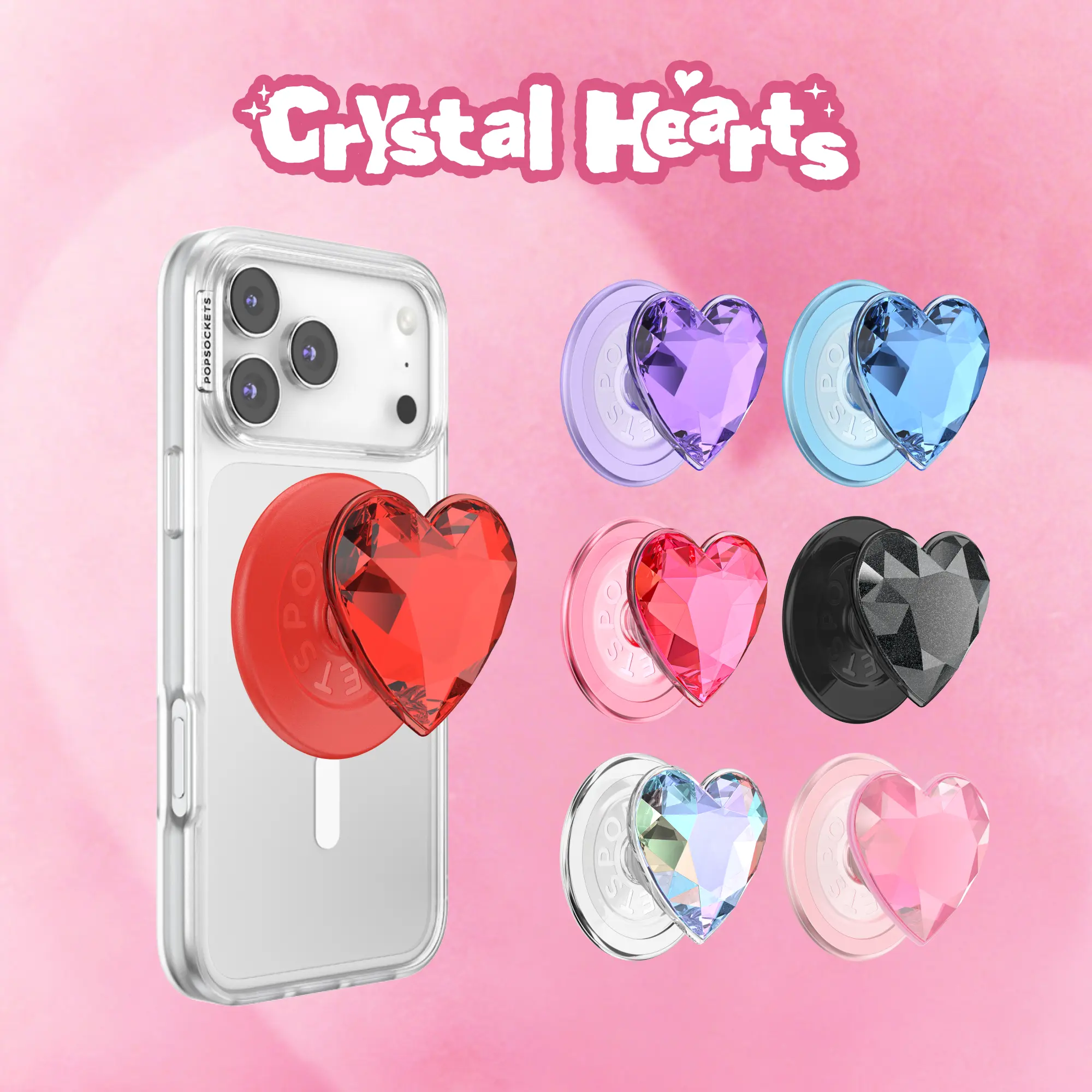
When choosing a blue popsocket, consider factors such as compatibility with your phone model and the design that best fits your style. With thousands of satisfied customers, popsocket products are trusted for their proven quality and functionality. Regular updates to designs ensure that you can always find something that suits your taste.
In summary, a blue popsocket not only enhances the functionality of your phone but also adds a stylish flair, making it a must-have accessory for any smartphone user.
Here are some key benefits of using a blue popsocket:
- Improved Grip: The popsocket allows for a better grip on your device, making it easier to handle.
- Hands-Free Use: It can also serve as a stand, allowing you to prop your phone up for hands-free viewing.
- Personalization: The vibrant blue color adds a personal touch to your device, making it uniquely yours.
When choosing a blue popsocket, consider factors such as compatibility with your phone model and the design that best fits your style. With thousands of satisfied customers, popsocket products are trusted for their proven quality and functionality. Regular updates to designs ensure that you can always find something that suits your taste.
In summary, a blue popsocket not only enhances the functionality of your phone but also adds a stylish flair, making it a must-have accessory for any smartphone user.