best controller settings xbox
Best controller settings for Xbox refer to the optimal configurations that enhance gaming performance and user experience on Xbox consoles.
Featured brands
Authenticated productsVerified shops


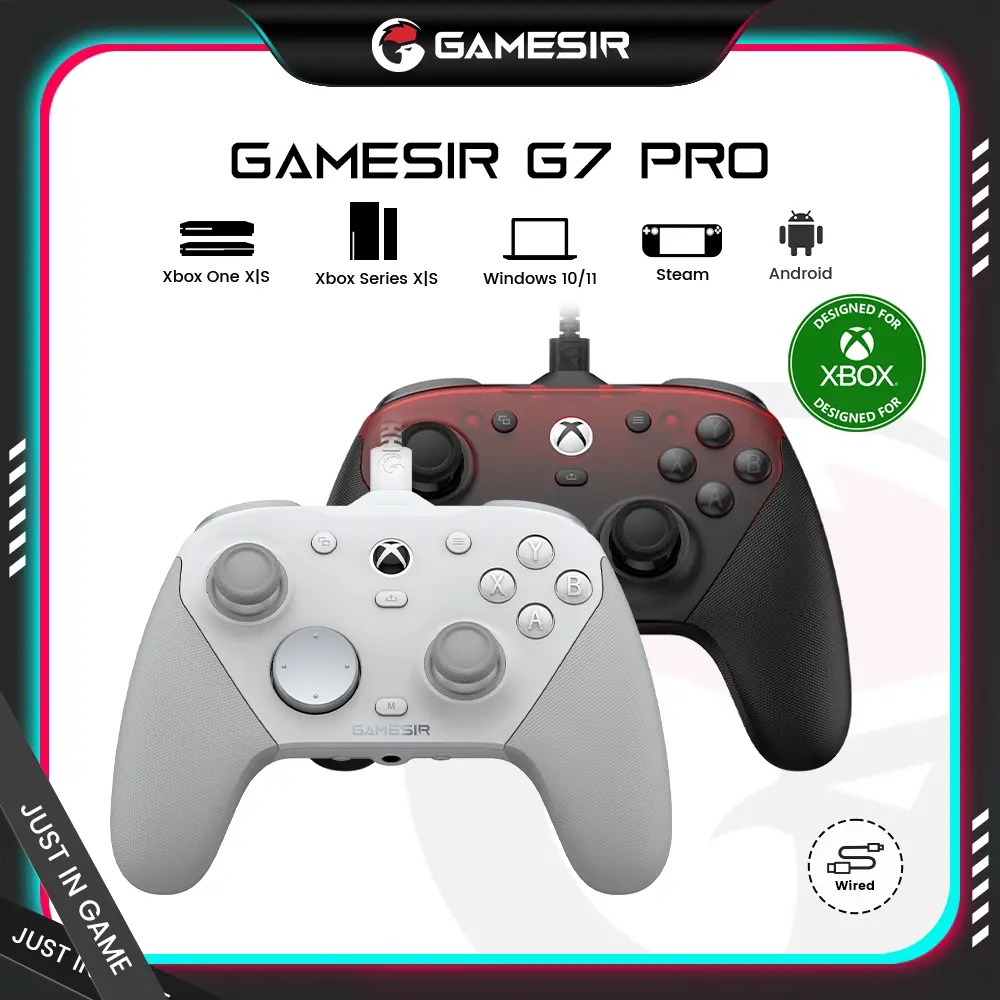
![[TT Exclusive] GameSir T7 Pro Floral Wired Controller for Xbox](https://p16-oec-general-useast5.ttcdn-us.com/tos-useast5-i-omjb5zjo8w-tx/b9dd058be905452197f81661e20f68bf~tplv-fhlh96nyum-crop-webp:1000:1000.webp?dr=12190&t=555f072d&ps=933b5bde&shp=8dbd94bf&shcp=a6e80448&idc=useast5&from=2378011839)



GameSir

4.7
9.1K sold
$129.99

GameSir
4.7
5.9K sold
$99.99


GameSir
4.7
35.6K sold
$79.99


GameSir
4.5
13.8K sold
$29.99
Related Searches
Related Categories
Introduction
Finding the best controller settings for Xbox can significantly improve your gaming experience. Whether you're a casual player or a competitive gamer, having the right settings can make all the difference. The best controller settings allow you to customize your controls to fit your play style, enhance accuracy, and improve reaction times. Here are some factors to consider when setting up your Xbox controller:
- Sensitivity Settings: Adjusting the sensitivity can help you find the perfect balance between speed and accuracy. Higher sensitivity settings can allow for quicker movements, while lower settings can provide more precision.
- Button Mapping: Customizing button layouts can enhance comfort and efficiency. Many players prefer to remap buttons for ease of access during gameplay.
- Dead Zones: Adjusting the dead zones of your thumbsticks can help reduce unwanted movements and improve control over your character.
- Vibration Settings: Some players prefer to turn off vibration to reduce distractions, while others find it enhances immersion.
- Audio Settings: Configuring audio settings for voice chat can improve communication with teammates.