2015 MacBook
Compare 2015 MacBook inside Laptops by contents and listed specs.
Featured brands
Authenticated productsVerified shops

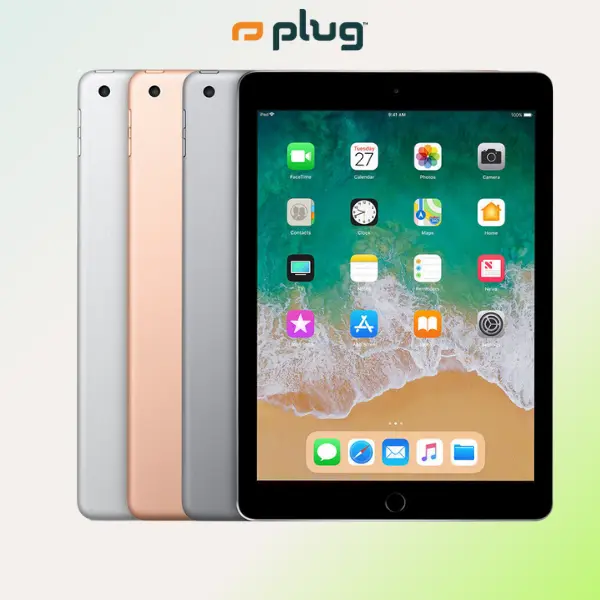






plug - shop tech

5.0
18 sold
$499.99

plug - shop tech
4.7
600 sold
$599.99

plug - shop tech
4.8
238 sold
$499.99


4.8
1.1K sold
-20%$399.19$499.00

4.7
588 sold
-26%$479.70$648.70


5.0
10 sold
-50%$499.00$999.00


4.9
632 sold
-45%$843.70$1,546.99
Related Searches
Related Categories
Introduction
Treat 2015 MacBook as Laptops listings. Confirm the item in the photos is that type, then compare a checkable spec.
- Storage, battery, or cable standard versus a nearby lookalike.
- Model year and connector type on the spec line.
- New, refurbished, or accessory-only — as listed, as listed for Laptops. If MacBook is a variant, it should appear on the spec line.
After you have two genuine Laptops listings, compare prices and ratings on the product page — availability can differ by seller.