how to use obd scanner
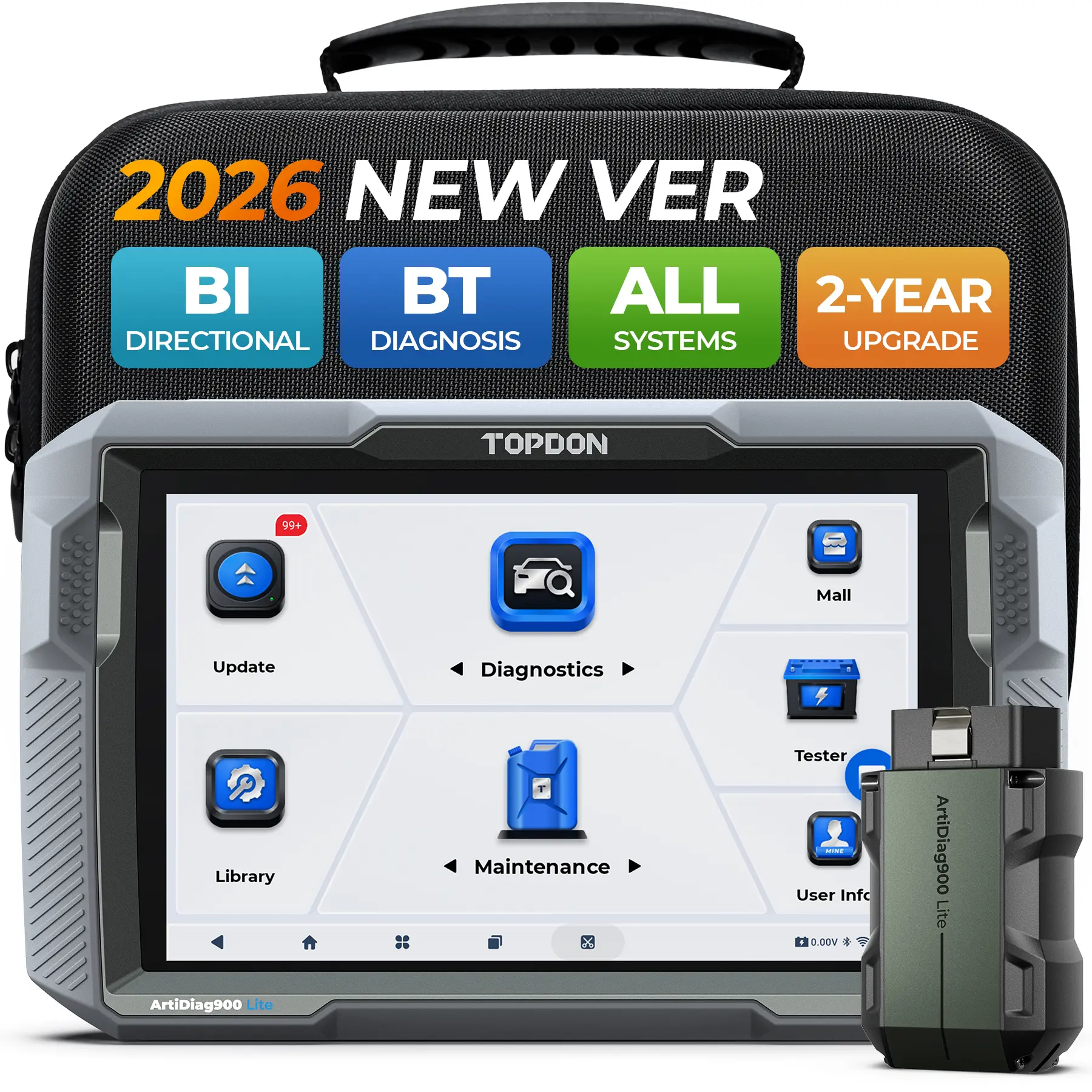
An OBD scanner is a diagnostic tool used to read and interpret the data from a vehicle's onboard diagnostic system. It helps in identifying issues, monitoring performance, and ensuring the vehicle is running efficiently.
Featured brands
Authenticated productsVerified shops




![[Summervibes] XTOOL D5S OBD2 Scanner Car Diagnostic Scan Tools for ABS/SRS/Engine/Transmission, 16 Reset Services, Free Lifetime Update, Code Reader for Cars & Trucks, Crank Sensor Relearn, FCA AutoAuth, CAN FD for Vehicle Automotive Alternator Tester sum](https://p16-oec-general-useast5.ttcdn-us.com/tos-useast5-i-omjb5zjo8w-tx/3953406e97714d638b95b0785b72307a~tplv-fhlh96nyum-resize-webp:600:600.webp?dr=12190&t=555f072d&ps=933b5bde&shp=8dbd94bf&shcp=a6e80448&idc=useast5&from=2378011839 "[Summervibes] XTOOL D5S OBD2 Scanner Car Diagnostic Scan Tools for ABS/SRS/Engine/Transmission, 16 Reset Services, Free Lifetime Update, Code Reader for Cars & Trucks, Crank Sensor Relearn, FCA AutoAuth, CAN FD for Vehicle Automotive Alternator Tester sum")


Topdonshop

4.5
281 sold
-39%$49.00$79.99


Topdonshop
4.3
737 sold
-14%$69.00$79.99


Related Searches
Related Categories
Introduction
Using an OBD scanner is essential for anyone looking to maintain their vehicle's health and performance. An OBD scanner connects to your vehicle's onboard diagnostic port, usually located under the dashboard, to communicate with the vehicle's computer system. This tool can read trouble codes, which are generated when the vehicle's sensors detect a problem. Here’s a step-by-step guide on how to effectively use an OBD scanner:
- Step 1: Locate the OBD-II port in your vehicle, which is typically found beneath the steering column.
- Step 2: Turn on the ignition without starting the engine.
- Step 3: Plug the OBD scanner into the port. The scanner should power on automatically.
- Step 4: Follow the on-screen prompts on the scanner to read diagnostic trouble codes (DTCs).
- Step 5: Record the codes and refer to the scanner's manual or an online database for their meanings.
- Step 6: Clear the codes if necessary, but ensure you resolve the underlying issues first.