Results for "how to clean a screen"
Cleaning a screen involves using the right tools and techniques to remove dirt, fingerprints, and smudges without damaging the display.


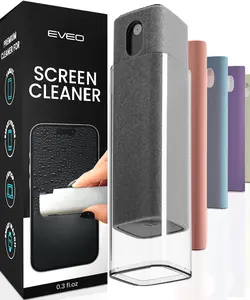

$6.65


Scrub Daddy

4.9
493 sold
$9.94


![Electronics Wipes Screen Cleaner - [2 Pack x40]](https://p16-oec-general-useast5.ttcdn-us.com/tos-useast5-i-omjb5zjo8w-tx/6e5246ce674147a59f4f0d8f4e2cae4a~tplv-fhlh96nyum-crop-webp:300:300.webp?dr=12190&t=555f072d&ps=933b5bde&shp=8dbd94bf&shcp=a6e80448&idc=useast5&from=2378011839 "Electronics Wipes Screen Cleaner - [2 Pack x40]")





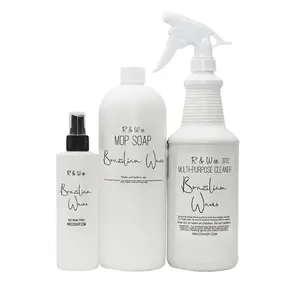
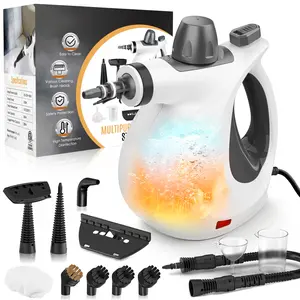
Phueut
4.4
346.2K sold
-59%$44.12$107.61


Related Searches
Related Categories
Introduction
Cleaning a screen is essential for maintaining the clarity and longevity of your devices. Whether it's a smartphone, tablet, or computer monitor, knowing how to clean a screen properly can enhance your viewing experience and protect your investment. Here are some effective tips to ensure your screen is spotless:
- Use a microfiber cloth: Always opt for a soft, lint-free microfiber cloth to avoid scratching the screen.
- Avoid harsh chemicals: Steer clear of ammonia-based cleaners, as they can damage the screen's protective coating.
- Lightly dampen the cloth: If needed, lightly moisten the cloth with water or a screen-safe cleaner. Never spray directly on the screen.
- Wipe gently: Use circular motions to clean the screen, applying minimal pressure to avoid damage.
- Regular maintenance: Make it a habit to clean your screen regularly to prevent buildup of dirt and grime.